
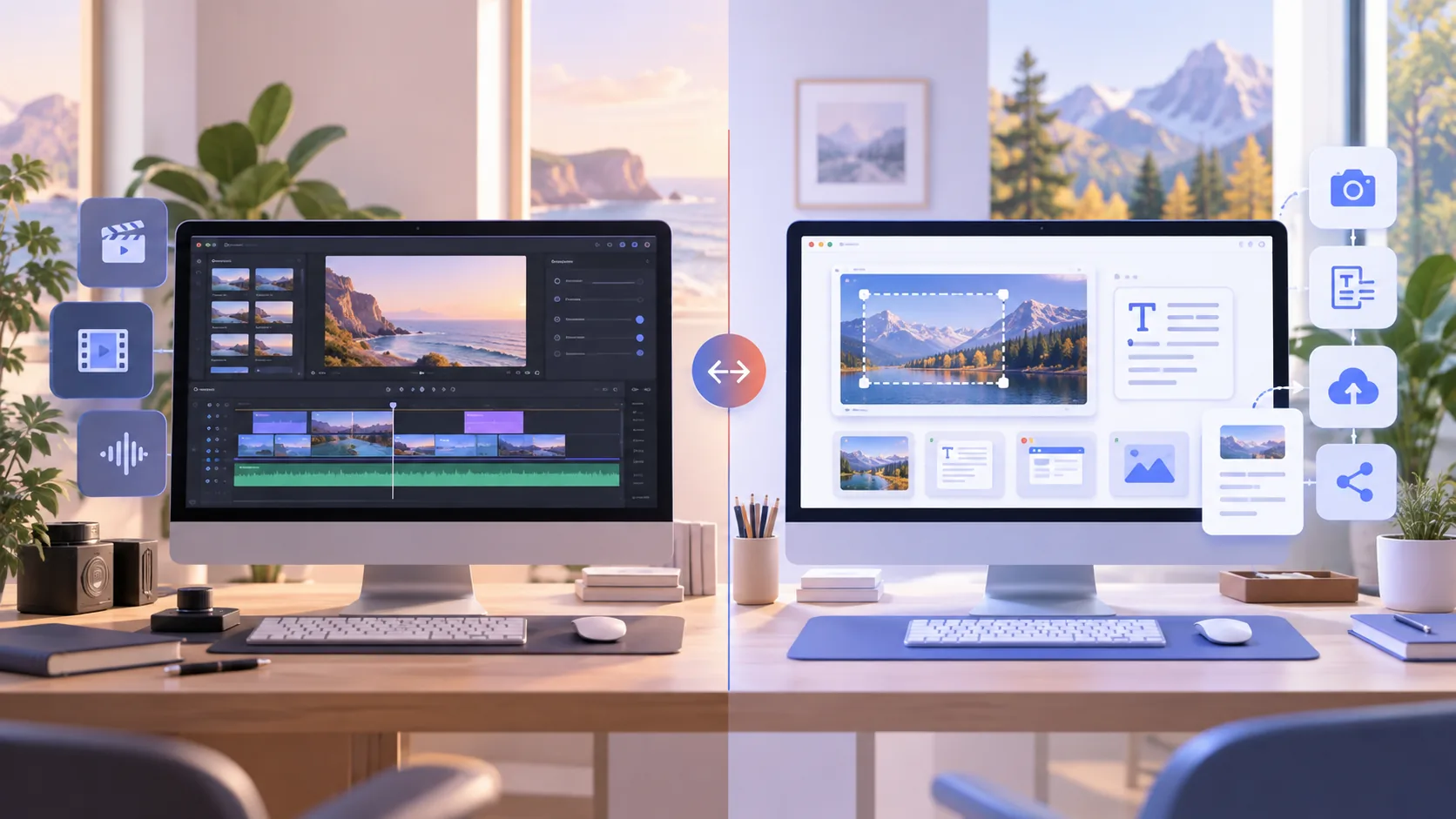
ScreenTale and CleanShot X now overlap in meaningful ways: both can turn a Mac screen recording into a polished video with zoom, smoother cursor motion, backgrounds, camera, and keystrokes. The decision is no longer “which app can record?” It is whether you want a focused video-project workflow or an all-in-one capture utility that also handles screenshots, OCR, history, and cloud sharing.
Choose in thirty seconds
- Choose ScreenTale for layered post-capture video decisions, local projects, and a $9.99 USD lifetime license.
- Choose CleanShot X when screenshots, OCR, capture history, and optional cloud links are everyday work.
- Both are Mac-only; ScreenTale requires Apple silicon and macOS 15+, while CleanShot supports macOS 13+.
- Test the full workflow—not only recording quality—before buying either tool.
ScreenTale vs CleanShot X starts with product scope
ScreenTale is built around one durable object: an editable screen-recording project. Capture screen, app, window, or area with audio and camera, then refine the video’s framing, zoom, cursor, camera, keystrokes, annotations, background, canvas, and mix. The application does not try to replace a screenshot manager or cloud video library.
CleanShot X starts wider. It covers area, window, fullscreen, scrolling screenshots, annotation, OCR, floating captures, history, screen recording, a video editor, and optional CleanShot Cloud. If your day moves between bug screenshots, design feedback, text extraction, quick GIFs, and occasional video, that wider surface can reduce the number of utilities you keep installed.
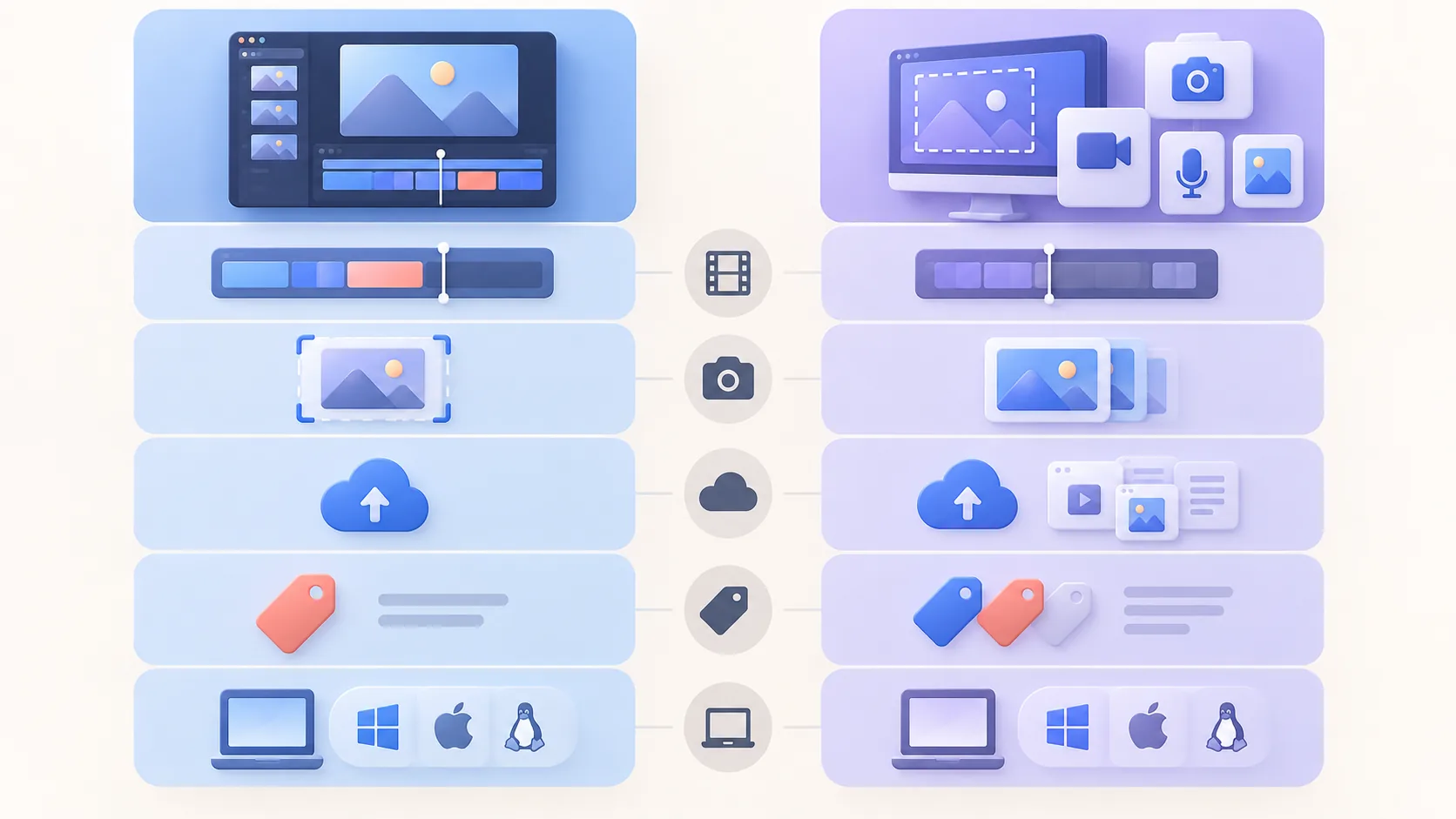
Video editing is close in features, different in emphasis
CleanShot 5.0 added Studio Mode with smart zooms, cursor smoothing, motion blur, backgrounds, trimming, camera and keystroke adjustment, and landscape, square, or vertical export. That makes it a serious video option rather than a screenshot app with a basic recorder. Its speed and connection to Quick Access are particularly useful for short, frequent captures.
ScreenTale emphasizes a non-destructive project you can reopen and reshape. Zoom, cursor, camera, framing, background, canvas, keystrokes, annotations, and audio are separate editing concerns rather than one baked recording. That focus is useful for tutorials, product demos, and lessons where a change to pacing or composition should not require another performance.
Screenshots and cloud sharing favor CleanShot X
CleanShot is the clear choice when screenshots are half the job. Scrolling capture, OCR, annotation, pinning, capture history, and rapid drag-and-drop sharing sit outside ScreenTale’s intended scope. Its Basic purchase includes a 1 GB CleanShot Cloud account, while Pro adds unlimited storage, team management, branding, and security features.
ScreenTale exports a file and lets you choose YouTube, a course platform, your own storage, or another destination. That keeps creative media local until you deliberately publish it, but it also means there is no instant hosted review page, transcription service, comment thread, or shared capture library. Neither model is universally better; they carry different responsibilities.
Price, updates, and Mac requirements differ
ScreenTale costs $9.99 USD once for up to three active Macs and includes future releases. Polar confirms the actual transaction currency and tax at checkout. Its account-bound 30-day Launch Pass opens the complete app without a watermark or payment method. ScreenTale requires Apple silicon and macOS 15 or later, so Intel Macs and older systems are not supported.
CleanShot Basic costs USD 35 once for the Mac app, one year of updates, and 1 GB cloud storage. After that year, you can keep the last eligible version or optionally renew updates for USD 19 per seat per year. CleanShot requires macOS 13 or newer and offers a 30-day money-back guarantee rather than a direct trial. Prices and terms were checked September 20, 2026.
Which one should you choose?
Choose CleanShot X when one Mac capture tool should handle polished screenshots, scrolling pages, OCR, pinned references, quick video, and optional share links. Its broader utility is the value. Choose ScreenTale when the main output is a composed screen video and you want local projects, detailed post-capture control, and a lower lifetime price.
There is also a reasonable case for using both: CleanShot for daily screenshots and fast visual communication, ScreenTale for videos that deserve a deliberate edit. If you want only one, list the last ten captures you made. Their mix will answer more honestly than a feature table. Try ScreenTale on the next real video before deciding.
Official CleanShot references checked September 20, 2026
- CleanShot X features
- CleanShot X pricing, system requirements, and guarantee
- CleanShot update-renewal policy
Let your last ten captures choose. If most are videos rather than screenshots, download ScreenTale and complete one project during the Launch Pass.



0 comments
Comments are currently closed for this article.