
Native macOS. Built for storytellers.
Make every
screen story
worth watching.
Native recording. Thoughtful editing. Private by design.
- 30-day Launch Pass
- No watermark
- Apple silicon · macOS 15.0+
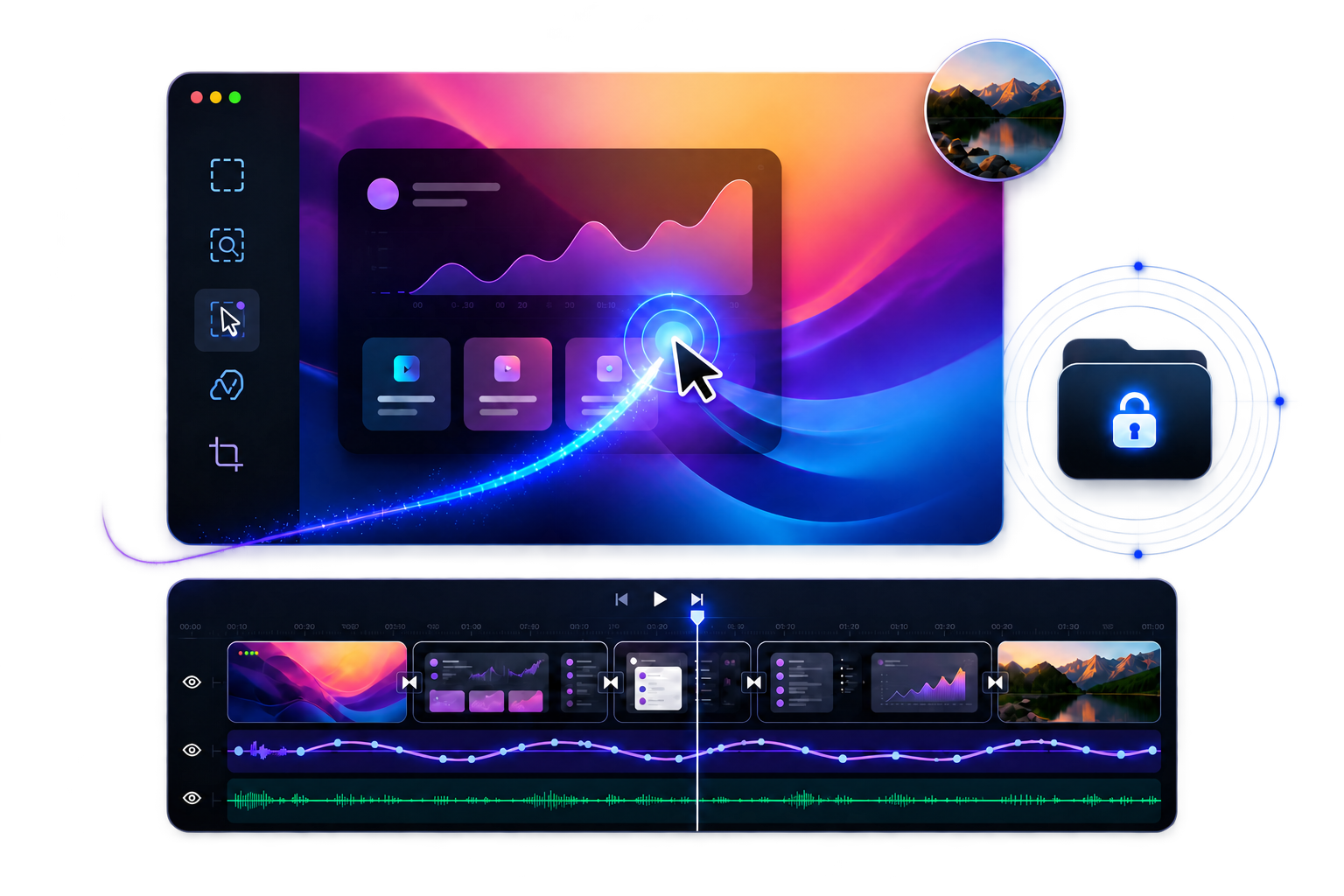
One focused workflow
Capture clean. Shape the story. Export fast.
No cloud project transfer and no jumping between a stack of apps.
One focused workflow
Capture
One focused workflow
Shape
One focused workflow
Export
Private by design
Your recording belongs to you.
Recordings and projects are stored on your Mac; recording, editing, and video export happen locally. If you choose an external subtitle provider, only the selected edited audio is sent to your configured HTTPS endpoint after you confirm. Local Whisper does not upload audio.
- Local recording, editing, and export
- Keystroke capture is off by default and stops during Secure Input
- Crash reports stay on disk and are never uploaded automatically
Simple pricing
Pay once. Keep creating.
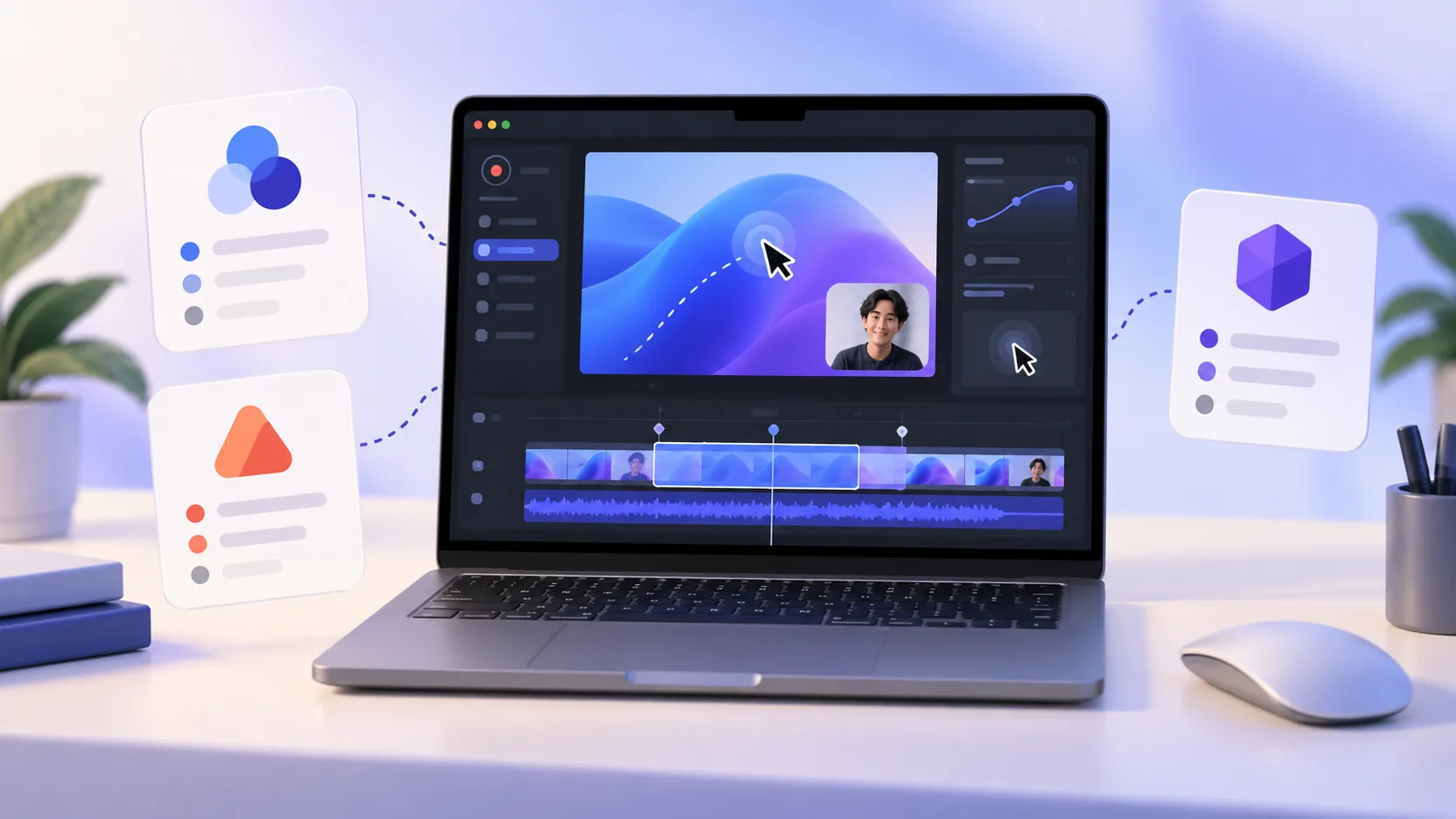
Try every feature first. When you are ready, one license covers up to 3 active Macs.
- All future updates
- Up to 3 active Macs
- 14 days offline + 7-day grace
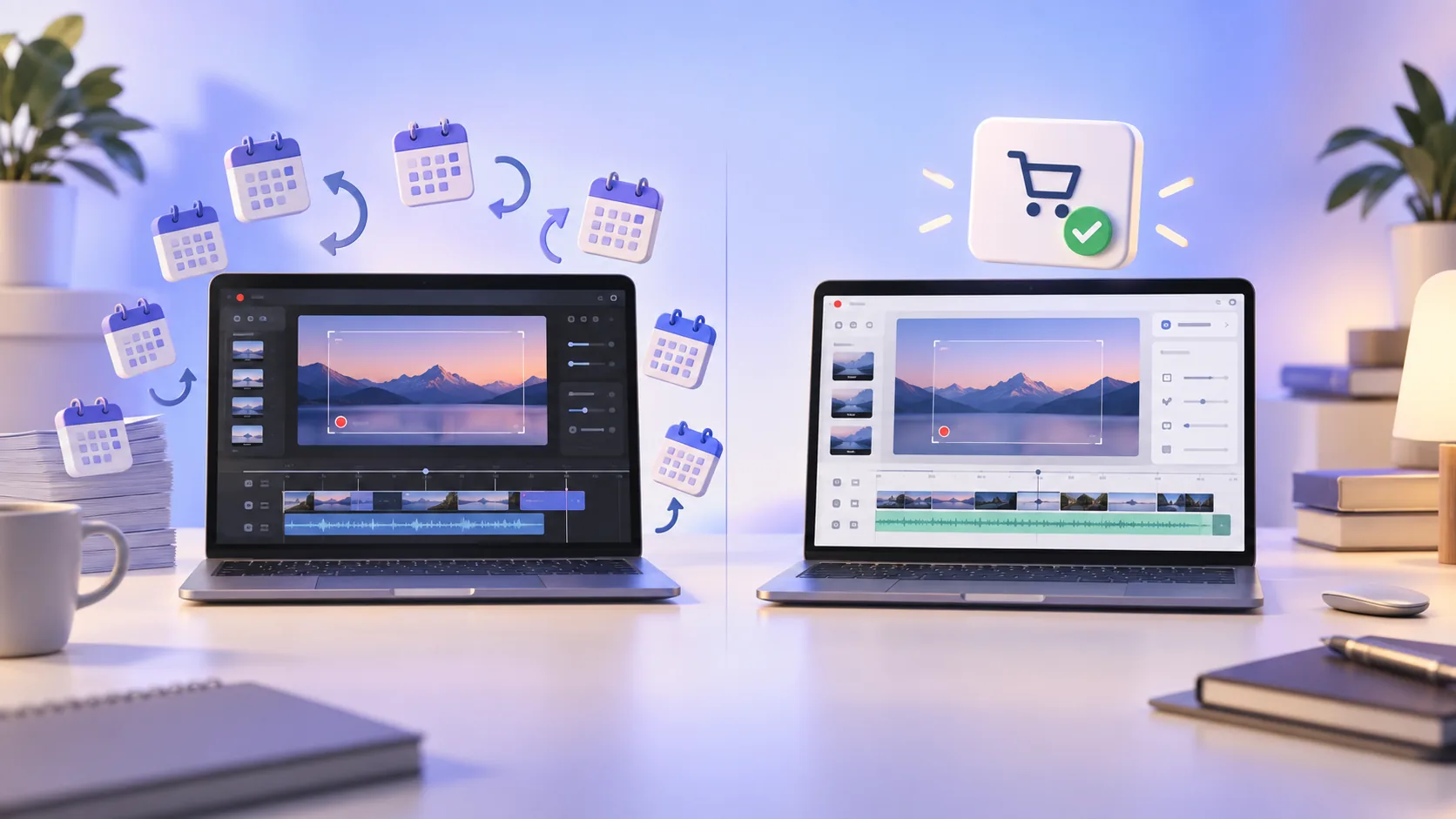
- No subscription
$9.99 USDone time
Buy ScreenTaleNo subscription · Polar confirms transaction currency and tax at checkoutNews
What is new at ScreenTale

FAQ
Before you download
Which Macs can run ScreenTale?
ScreenTale currently requires Apple silicon and macOS 15.0 or later.
Does the Launch Pass add a watermark?
No. The Launch Pass includes the same features, quality, and export duration for 30 days.
Are recordings uploaded to the cloud?
No. Recording, editing, preview, and video export happen on your Mac. Only if you confirm external subtitle recognition is selected edited audio sent to your configured HTTPS endpoint; video and projects are not uploaded.
Is this a monthly subscription?
No. ScreenTale is a one-time purchase with all future updates included.
Does a paid license need to stay online?
No. After each successful validation, all paid features work offline for 14 days and continue through a 7-day grace period. After 21 days, projects remain safe; clean export and automatic updates return as soon as the license is validated again.