

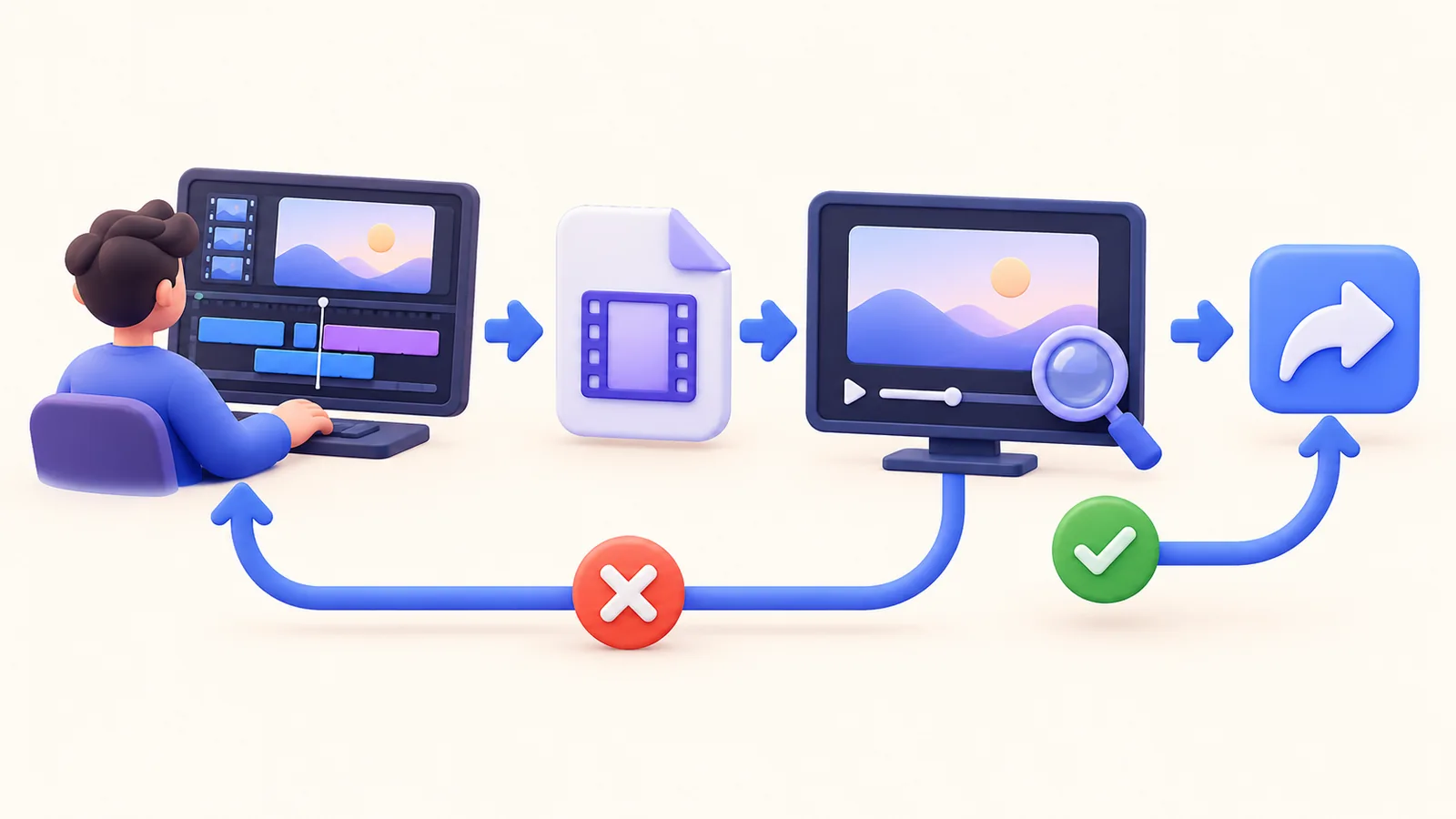
A screen recording export checklist closes the gap between a good-looking project and a useful delivered file. Export success does not prove that audio is audible, a caption is correct, a privacy region covers every relevant frame, or the destination displays the movie well. Review the actual file outside the editor, then check it in its intended viewing context. ScreenTale provides the recording and editing tools; the final decision to share should follow evidence from that output.
Before you record
- Review the exported file rather than relying only on the editor preview.
- Listen to narration and necessary system sounds separately where useful.
- Inspect timing boundaries, captions, and sensitive regions.
- Check the destination view and preserve an editable source revision.
Start the screen recording export checklist with the file itself
Open the new export in a player and confirm it is the intended revision. Check the first and last frames, the complete duration, and any abrupt opening or ending. A similarly named older file is easy to upload by mistake. Use a clear naming convention and keep temporary samples separate from files that are ready to deliver.
Watch a demanding section at ordinary playback speed. Choose one with small text, cursor movement, and a scene boundary. Inspect the actual resolution and framing rather than assuming the selected preset describes every result. If you compare several exports, keep the section and viewing size consistent. That makes the difference meaningful instead of changing multiple variables together.
Listen for meaning and review captions against it
Check the voice at an ordinary listening level. Verify that a needed application sound is present and that it does not bury the explanation. Listen at cuts for missing syllables, sudden changes, or unwanted duplicate audio. If a problem appears, return to the relevant source and edit; repeatedly exporting the same mix is unlikely to change it.
Read captions while listening. Correct names, numbers, commands, and punctuation, then check timing around the revised cuts. Confirm whether the delivery uses video captions or an accompanying SRT file, and include the intended artifact. A subtitle file beside the movie is not proof that every destination will load it automatically. Test the actual playback configuration.
Inspect privacy regions and presentation boundaries
Review frames before a sensitive value appears, while it moves, and after it disappears. Check every cut or zoom that changes the region’s relationship to the source. Solid Cover and Blur serve different visual purposes; neither removes information from an original source recording or unreviewed project you later send. Inspect the export that will leave your Mac.
Check that camera, annotations, captions, and cursor emphasis do not cover important controls. A readable editor preview can look crowded in a smaller destination player. The privacy-region guide explains the review boundary, while the file-size guide helps compare delivery quality without discarding the editable source.
Check the destination and keep the right revision
When you upload or send the file yourself, verify the destination’s processed or embedded version after it becomes available. Hosting can change playback quality, and permissions can prevent the intended recipient from opening it. Use the relevant access view or a permitted test account. Avoid assuming that seeing a thumbnail in your own account proves successful delivery.
Keep the project revision, the final delivery file, and any written instructions identifiable. Record the review date for material that will be maintained. If you later change the project, repeat the checks on its new export; a checked old movie does not validate a new one. ScreenTale’s local capture and editing workflow keeps the source available for these deliberate revisions.
Make the next recording clearer. Download ScreenTale and review one demanding sample before exporting and sharing the complete lesson.


0 comments
Comments are currently closed for this article.