
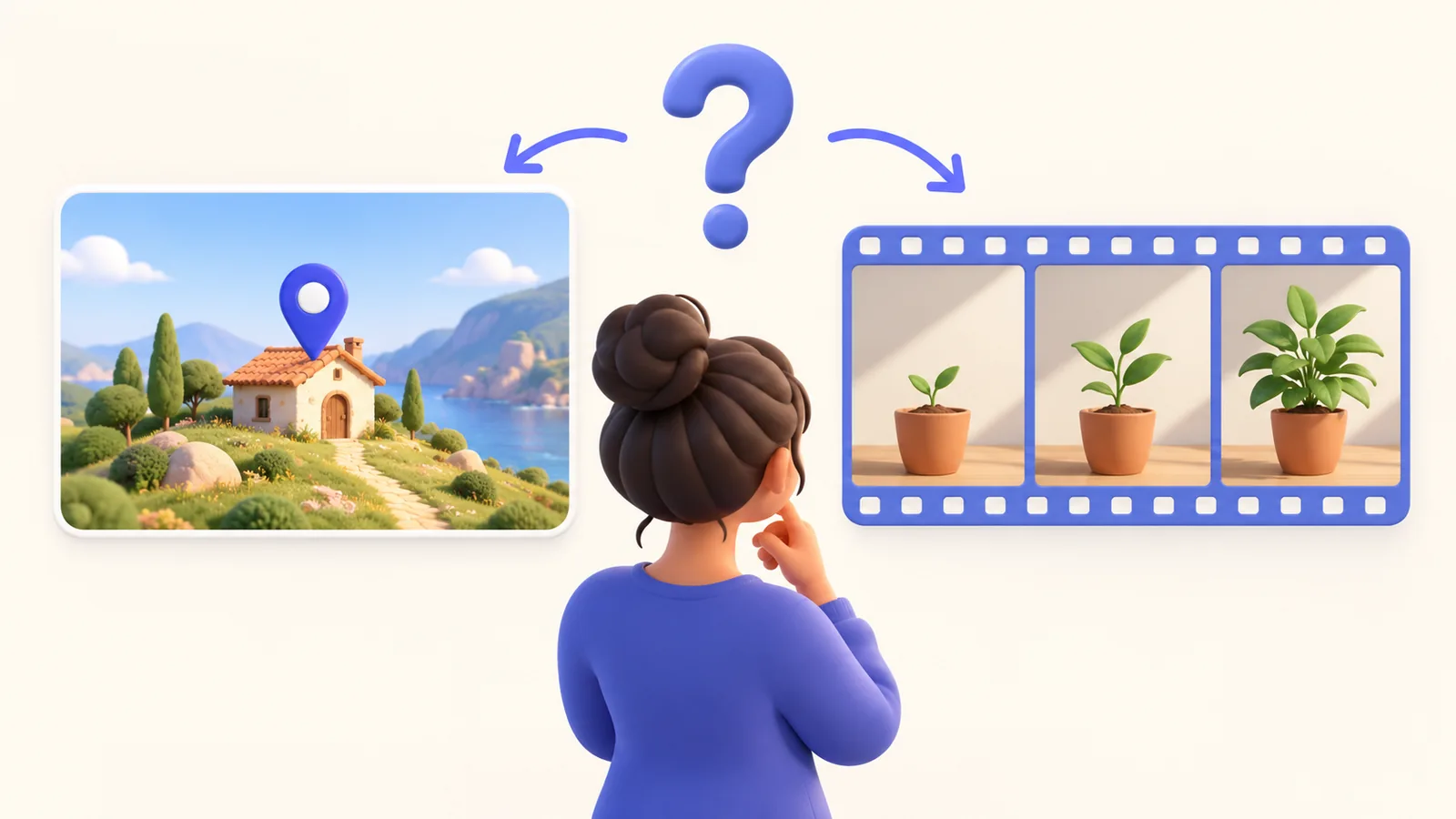
In screen recording vs screenshots, the useful question is what the recipient needs to inspect. A static setting can often be shown in one annotated image. A sequence with a changing state, timing, or spoken reasoning may need a short recording. Choose the smallest artifact that explains the task accurately. This is a communication decision rather than a claim that video is always better. ScreenTale is relevant when you decide to capture and edit a Mac screen video.
Before you record
- Use a still image when the important evidence is one stable state.
- Use video when order, timing, or a change must be demonstrated.
- Add written context so the recipient can find and act on the evidence.
- Review privacy and access settings for whichever artifact you share.
Decide screen recording vs screenshots from the question
If someone asks which option is selected, a clean screenshot can answer directly. Include enough surrounding labels to establish the context and highlight only the relevant area. A video that wanders through the interface may add effort without adding useful information. The recipient should not need to scrub a timeline to discover one setting.
If the question is how an interaction fails, show the start, action, and resulting state in order. A recording can preserve the path and a visible timing relationship that one image omits. Keep it short enough to review and avoid claiming that a movie proves hidden system behavior. Sometimes a written reproduction sequence with two screenshots is the clearer evidence.

Consider the recipient’s review and search workflow
An image fits naturally beside a written comment and can be inspected at the reviewer’s own pace. A video can explain a gesture or compare changing states, but it may need captions, timestamps, and a text summary. Consider whether the recipient can listen, whether they are viewing on a phone, and where the material will be searched later.
For a software issue, provide the environment, expected result, and actual result in writing even when the recording is excellent. For a lesson, keep exact commands or formulas in an accessible companion rather than making video the only source. The bug-report recording guide illustrates how visual evidence works with reproducible written steps.
Keep capture and presentation separate
A screenshot with annotations should preserve the unmarked source when later correction matters. A video similarly benefits from an editable project as well as a delivery file. Do not confuse a finished artifact with its source: removing an arrow from a shared image or adjusting a baked-in camera frame may require returning to the original material.
ScreenTale supports capture, timeline editing, and adjustable presentation effects for video. It is not being presented here as a screenshot editor or a host for shared files. Use its recording and editing workflow when change needs to be demonstrated. Choose a separate still-image workflow when one static frame is sufficient.
Use a small combined package when it reduces effort
A short recording plus one final-state image and a clear written summary can serve different review needs. The image lets someone inspect a result quickly; the recording explains the sequence; the text makes the request searchable. Include only what contributes evidence. Three redundant attachments create more work than one carefully chosen artifact.
Review every output for account labels, private tabs, notifications, and source data. A video can expose a detail only briefly; an image can expose it permanently in a single frame. Local recording does not determine the sharing service’s retention or access rules. Verify those settings at the destination and send only the material the recipient actually needs.
Make the next recording clearer. Download ScreenTale when a short editable recording is the right evidence for your next task.



0 comments
Comments are currently closed for this article.