

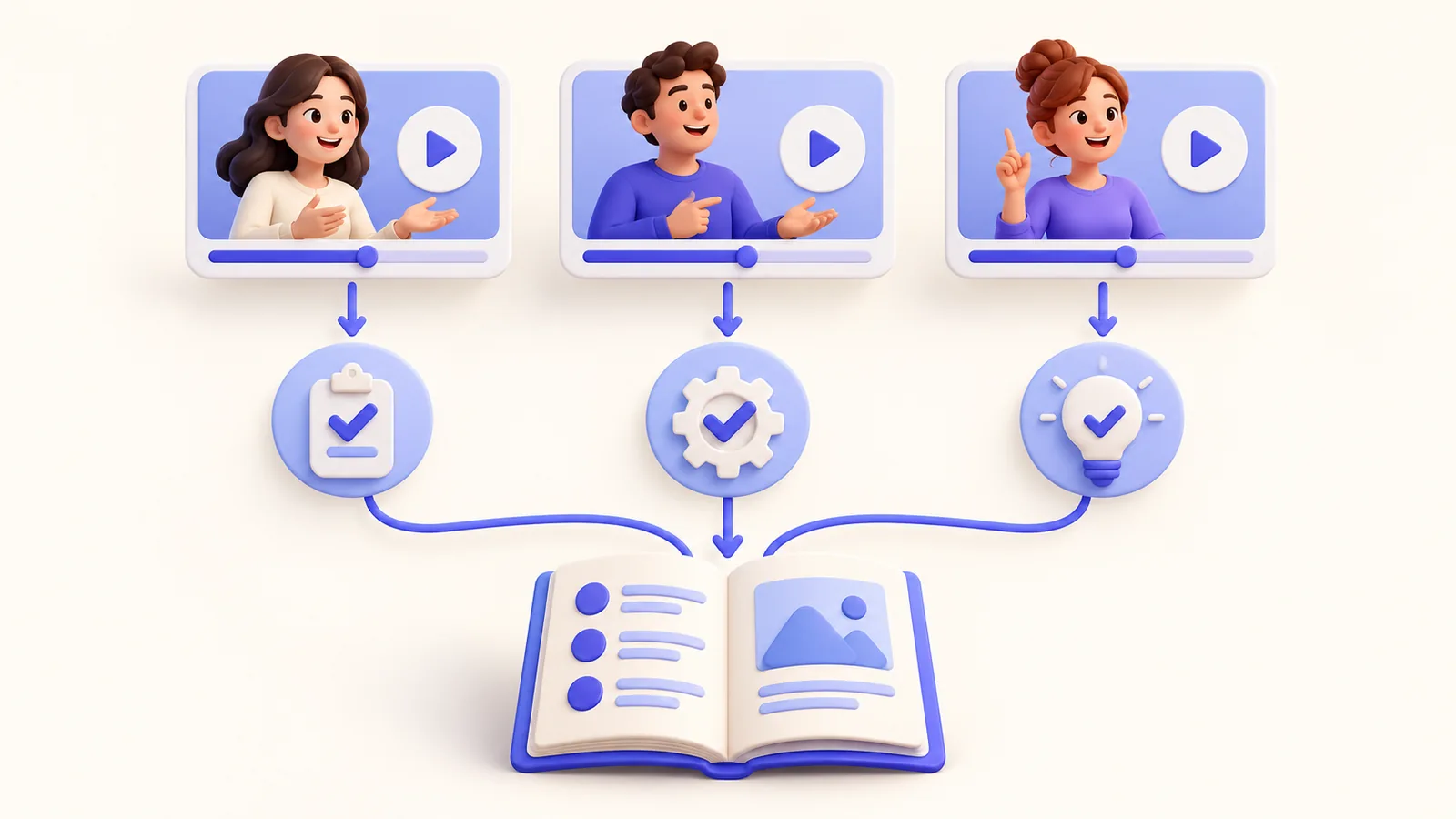
Employee onboarding videos should help a new colleague complete a real task without guessing what happens next. A long tour of every tool can feel comprehensive while leaving the first useful action unclear. Build small modules around the work someone will do in their first week. Show the starting state, a safe example, and how to check success. ScreenTale supports an editable Mac recording for these modules; access, approvals, and ownership still belong to your organization.
Before you record
- Give each module one task rather than one entire application.
- State the access and prerequisites without displaying credentials.
- Use approved demo accounts and fictional information.
- Assign an owner who reviews the video when the workflow changes.
Scope employee onboarding videos by useful tasks
Ask a recent colleague which first-week task required a second explanation. Examples include finding a project brief, creating a sample ticket, or locating an approved template. Select the smallest useful workflow with a visible completion point. Introductions and culture material can be valuable, but they serve a different purpose from operational instructions.
Write the expected starting state beside the video: account access, role, application, and sample material. Explain where to request missing access rather than recording a real invitation link or secret. A viewer should be able to distinguish a missing permission from their own mistake. Otherwise even an accurate demonstration can send them down the wrong troubleshooting path. Include a safe reset step for the sample task, especially when the learner will create a second practice item.
Prepare a safe environment that matches the task
Use a demo workspace or an approved sample account. Check menus, recent items, notifications, browser tabs, names, and background windows. Avoid showing real personnel, payroll, customer, or confidential project information. ScreenTale’s window and area capture can help narrow the visible source, but choosing a smaller region does not inspect the data for you.
Capture one short sample and review the export before recording the complete module. Confirm that the chosen role sees the same controls the new colleague will see. If access changes the interface, explain that variation in the written companion. Do not imply that recording a privileged account establishes instructions that everyone can follow.
Teach the action and the verification together
Explain why the task matters, show the action, and pause on the completion signal. If the task creates a ticket, show the safe example in its final location. If it finds a template, identify the approved version. Keep unrelated navigation out of the lesson. The learner needs a reliable path, not the presenter’s entire working desktop.
Use restrained zoom, cursor emphasis, or annotations only where the control needs locating. Camera presence can suit the introduction; dense task steps may be clearer with more room for the interface. ScreenTale’s editable presentation workflow lets you revise this balance. Captions need review so product names and internal terms match the actual task.
Maintain the module alongside written instructions
Include a short written checklist and a help route. State who owns the process and which version of the workflow the recording shows. Give viewers a way to report a step that no longer matches. A video library without ownership can become an attractive archive of obsolete instructions rather than a dependable onboarding path.
Keep the editable project and a clear revision history. When a menu, permission, or approval path changes, test the entire task from the learner’s starting state. Updating one scene may also require changing narration and captions. The project reuse guide explains how to preserve source material while maintaining separate delivery versions.
Make the next recording clearer. Download ScreenTale and begin with one safe, testable first-week task.


0 comments
Comments are currently closed for this article.