ScreenTale Journal
News
Updates, ideas, and stories from the ScreenTale team.
-
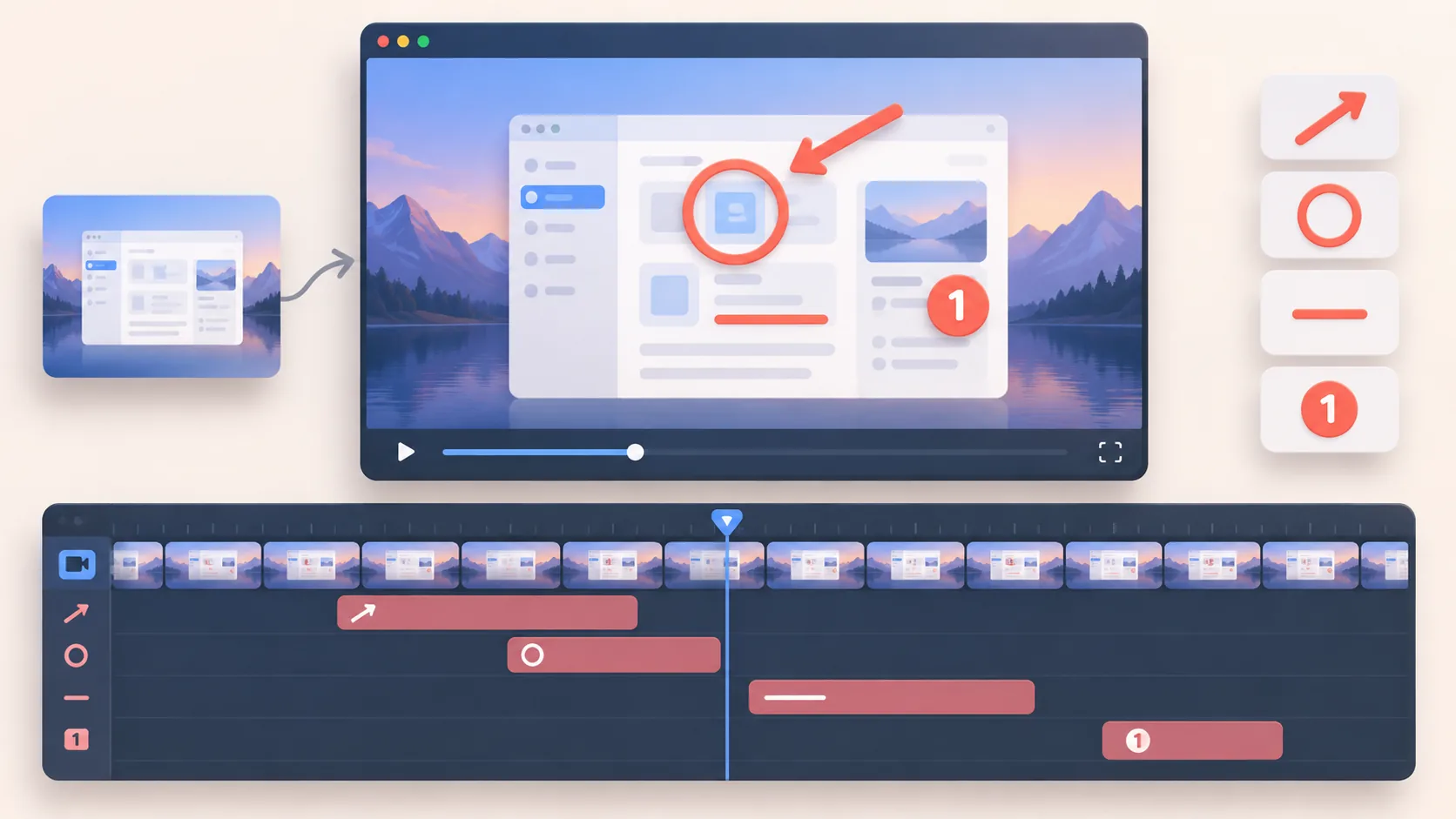
How to Add Annotations to Screen Recording After Capture
Read story: How to Add Annotations to Screen Recording After CaptureAdd annotations to screen recording after capture with clear timing, restrained arrows and highlights, and an editable teaching hierarchy.

-
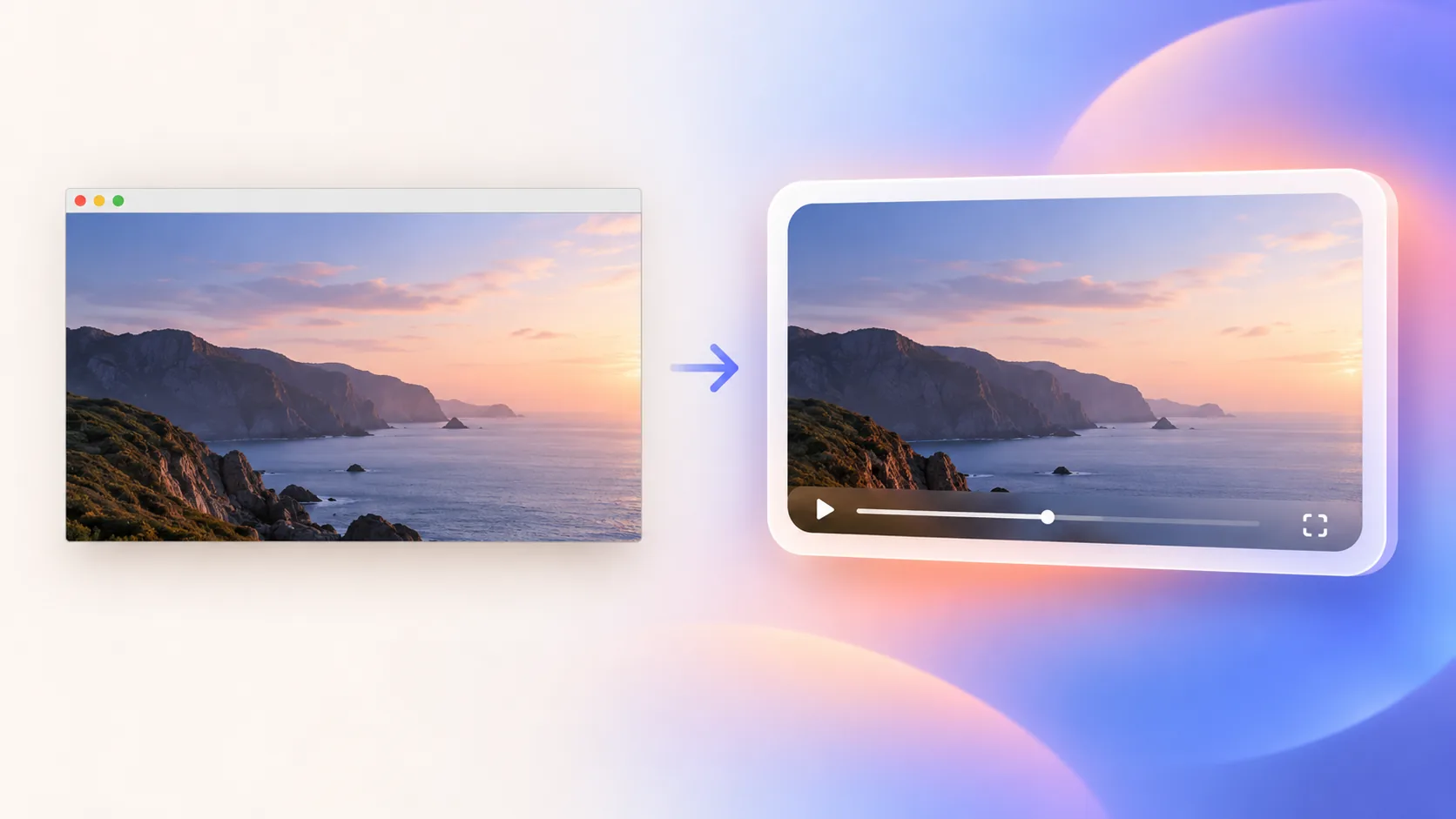
How to Add a Background to Screen Recording Without Distracting Viewers
Read story: How to Add a Background to Screen Recording Without Distracting ViewersAdd a background to screen recording with useful padding, contrast, framing, and restraint so the interface remains the main subject.
-
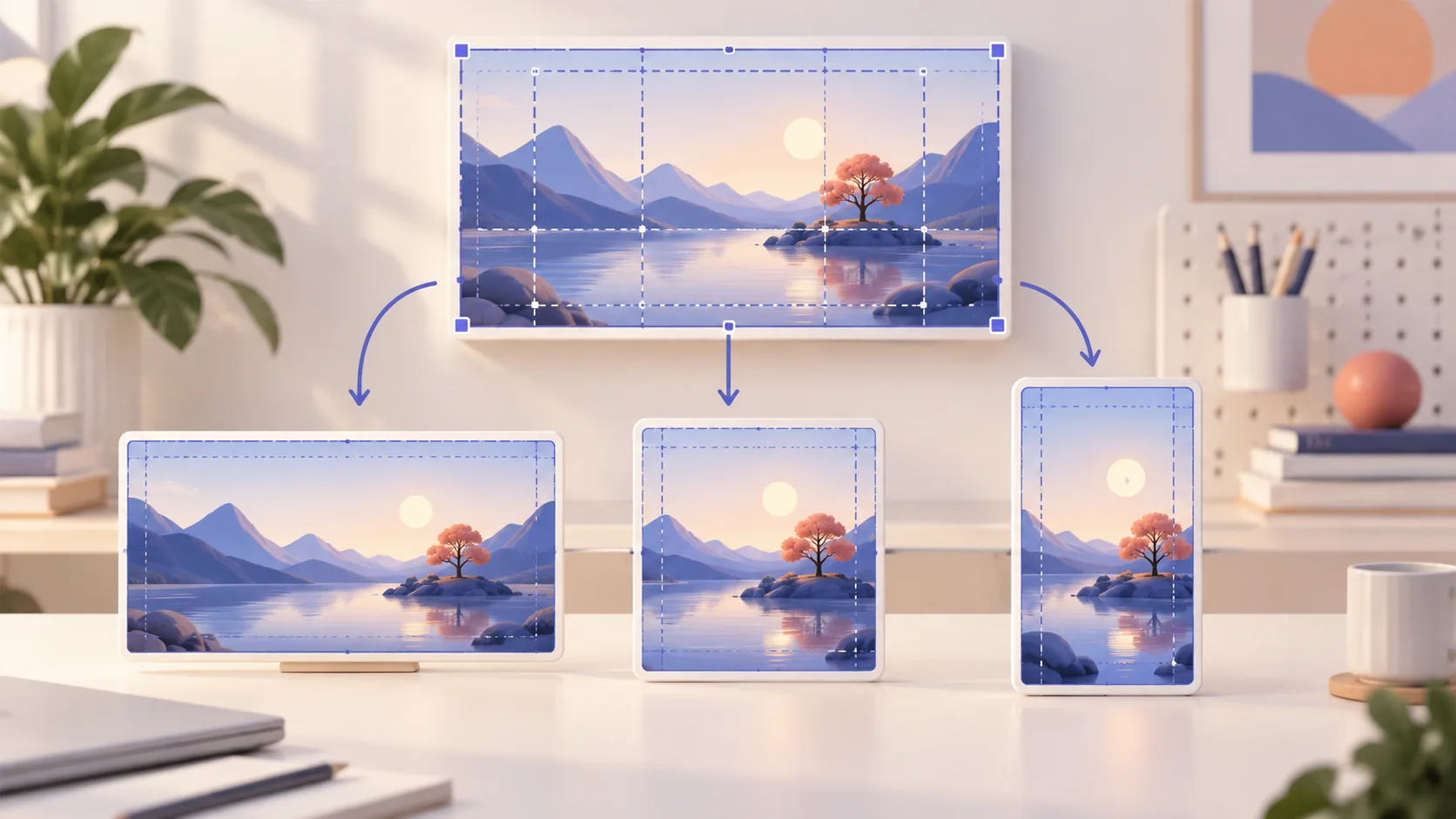
Screen Recording Aspect Ratio: 16:9, 1:1, or 9:16?
Read story: Screen Recording Aspect Ratio: 16:9, 1:1, or 9:16?Choose a screen recording aspect ratio for YouTube, courses, documentation, square feeds, and vertical social clips without losing interface detail.
-
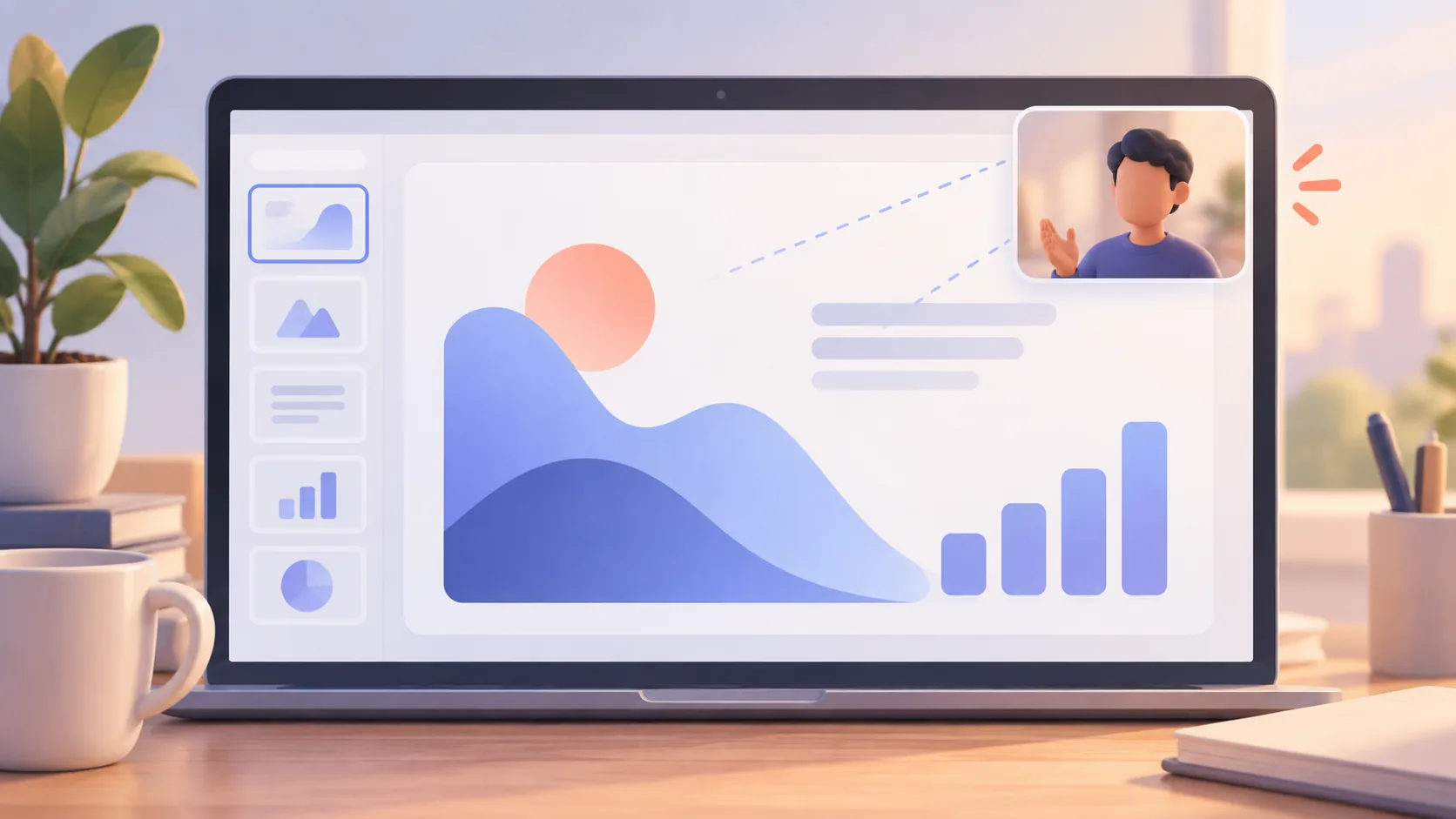
How to Use a Webcam Overlay for Screen Recording Without Blocking Content
Read story: How to Use a Webcam Overlay for Screen Recording Without Blocking ContentUse a webcam overlay for screen recording with purposeful placement, consistent eye line, clean framing, and room for the interface to remain readable.
-
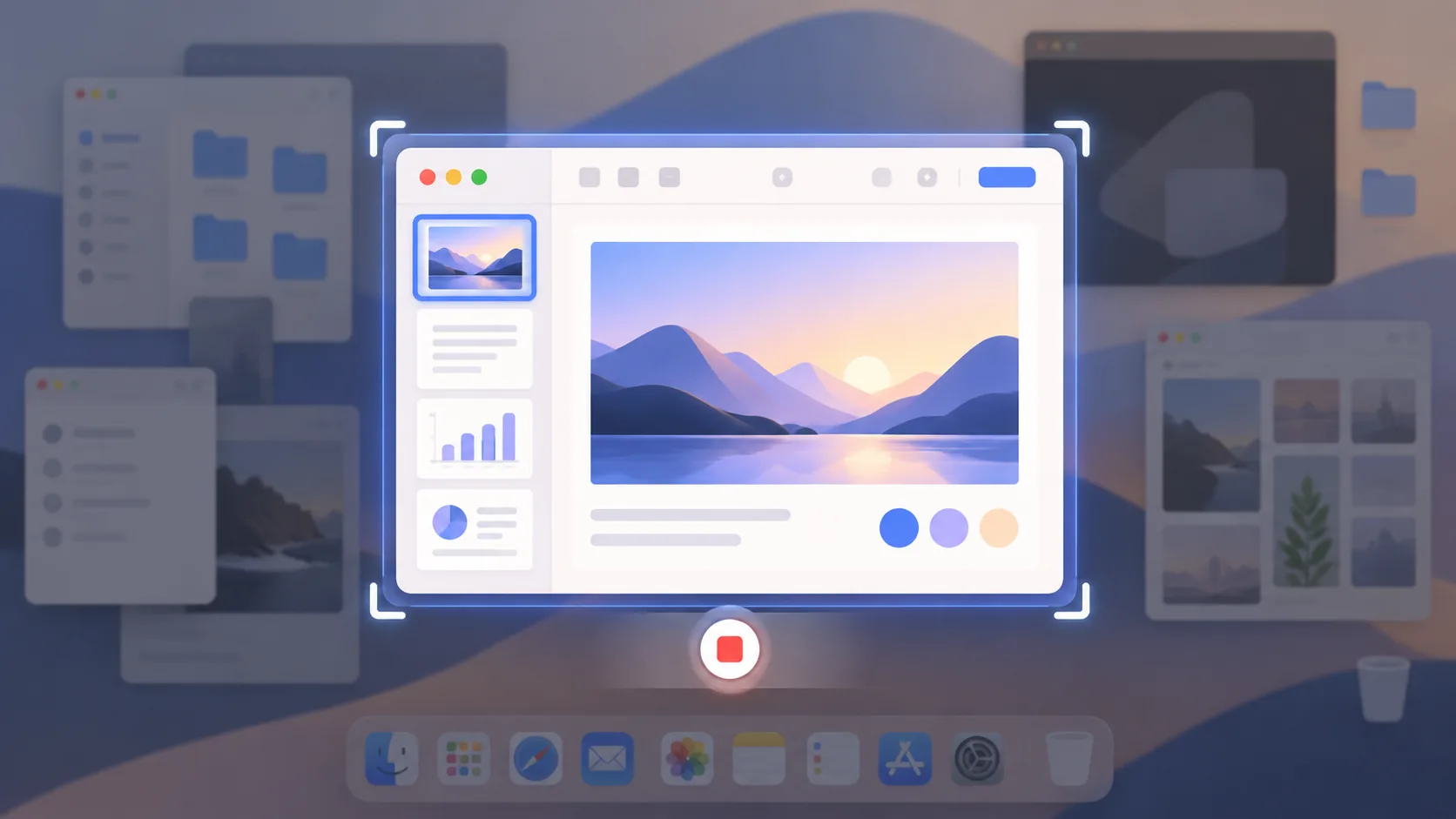
How to Record One App Window on Mac Without Showing Your Desktop
Read story: How to Record One App Window on Mac Without Showing Your DesktopRecord one app window on Mac to reduce desktop clutter and privacy risk while preserving enough context for a clear tutorial or bug report.
-
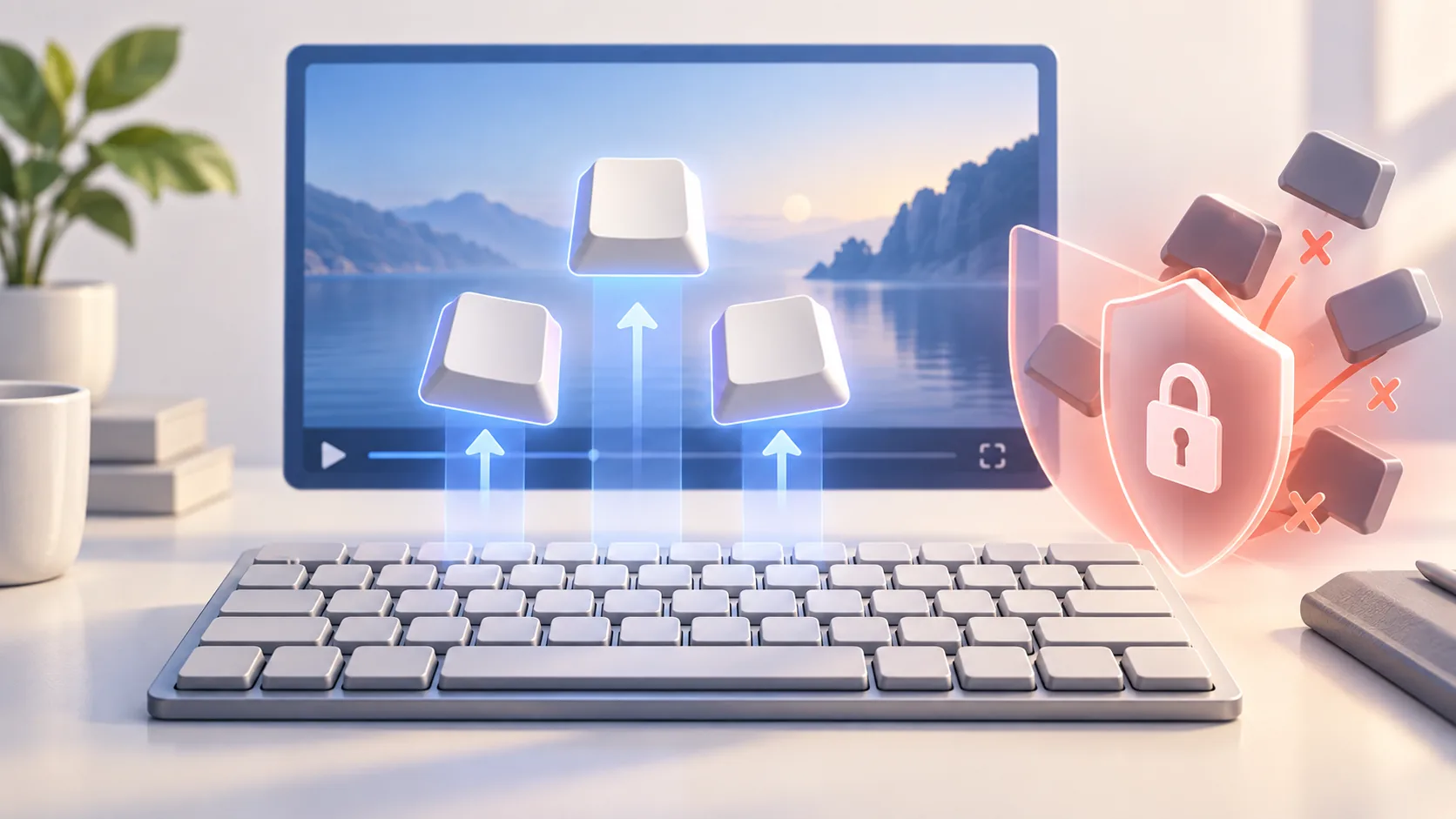
How to Show Keystrokes in Screen Recordings Without Leaking Secrets
Read story: How to Show Keystrokes in Screen Recordings Without Leaking SecretsShow keystrokes in screen recordings as a teaching aid while protecting passwords, tokens, messages, and ordinary typing from unnecessary exposure.
-
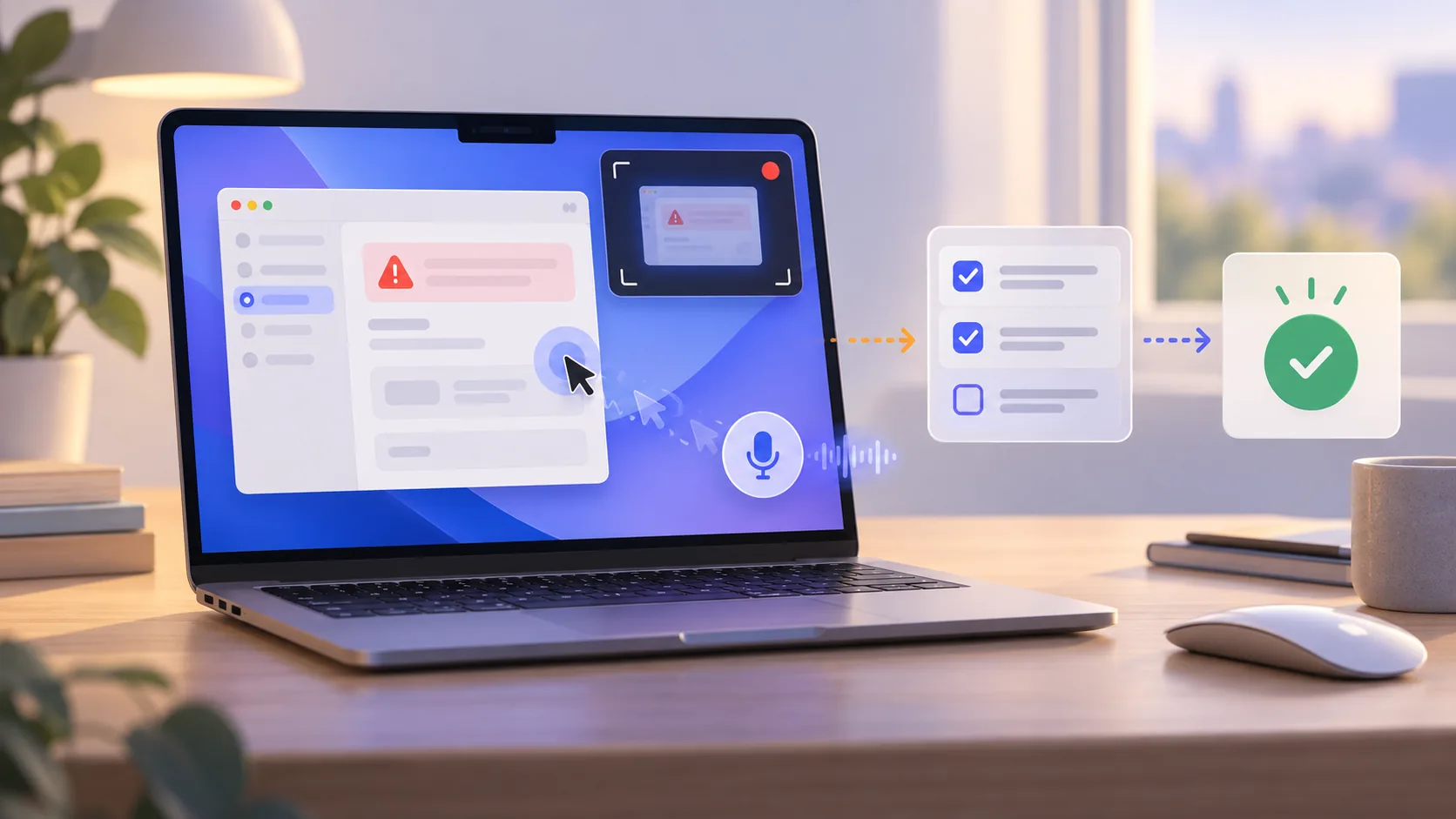
How to Record a Bug Report on Mac That Developers Can Reproduce
Read story: How to Record a Bug Report on Mac That Developers Can ReproduceRecord a bug report on Mac with the exact starting state, action, failure, environment, and privacy-safe evidence a developer needs.
-
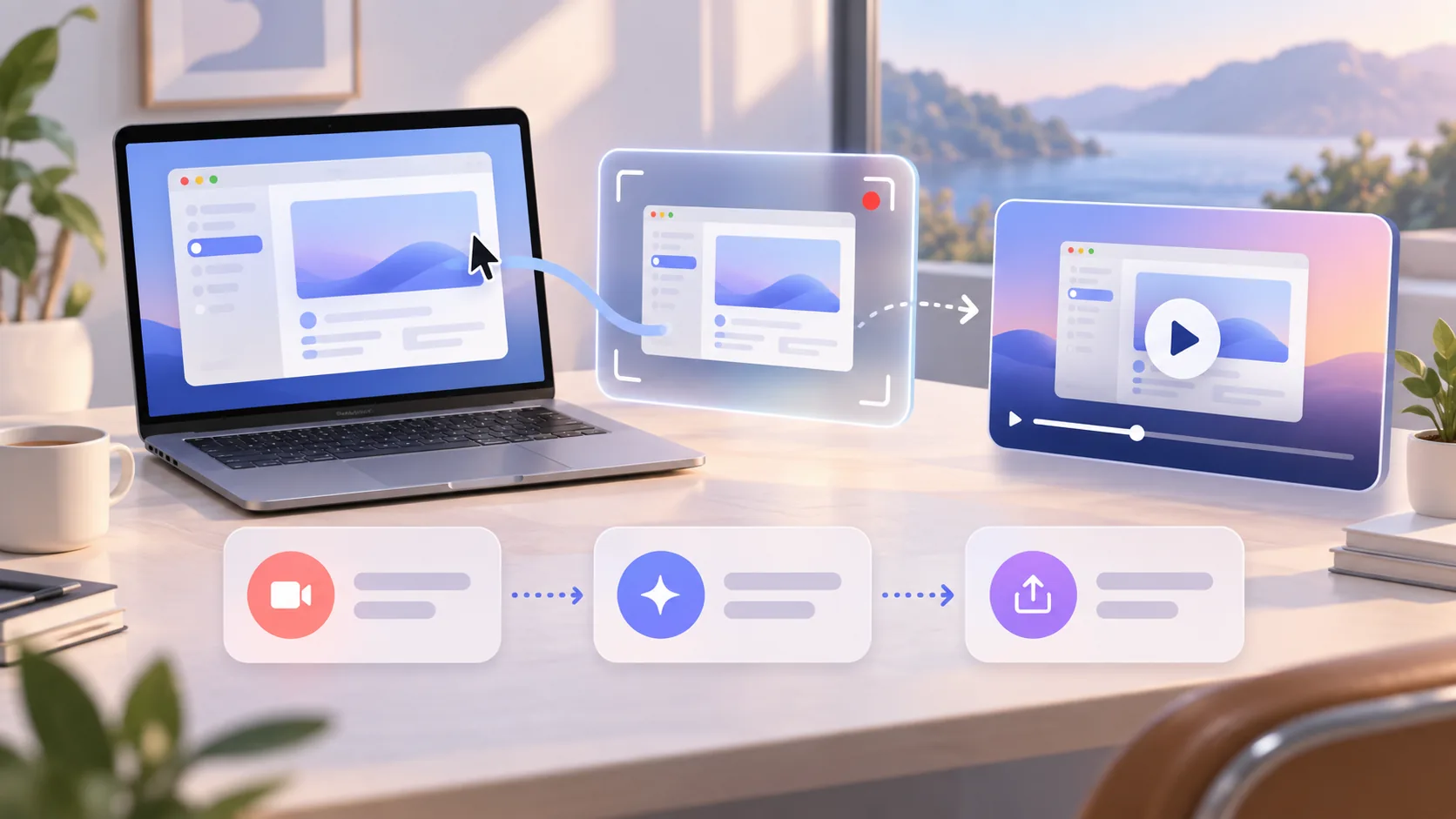
How to Record a Product Demo on Mac That Tells One Story
Read story: How to Record a Product Demo on Mac That Tells One StoryA practical workflow to record a product demo on Mac with one promise, a safe capture, clear narration, and an edit viewers can follow.
-
ScreenTale vs CleanShot X: Which Mac Capture Tool Fits?
Read story: ScreenTale vs CleanShot X: Which Mac Capture Tool Fits?An honest ScreenTale vs CleanShot X comparison for Mac users choosing between focused video editing and a broad capture toolkit.
-
7 Best Loom Alternatives for Mac in 2026
Read story: 7 Best Loom Alternatives for Mac in 2026Seven Loom alternatives for Mac, compared by local editing, cloud sharing, price, collaboration, and the job each tool does best.