

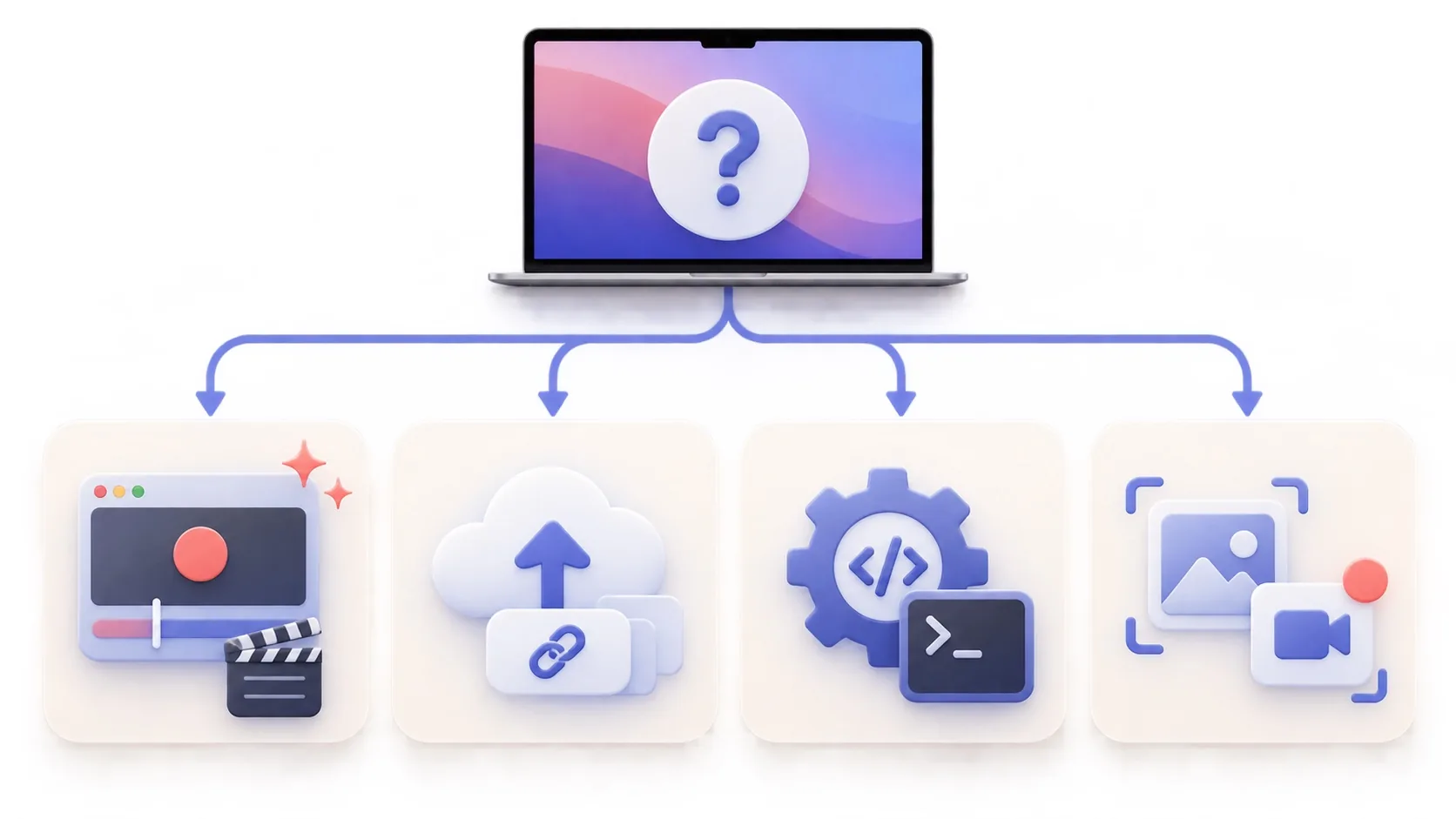
The best Loom alternative depends on what you mean by “alternative.” Loom is built around recording, automatic cloud hosting, a shareable link, comments, and a team library. A local Mac editor can replace the recording part beautifully without replacing that hosted collaboration layer. This guide separates those jobs so you can choose a cheaper or more focused tool without losing the feature you actually use.
The short answer by workflow
- ScreenTale for polished local Mac videos and a low one-time price.
- CleanShot X when screenshots and short captures belong in the same toolkit.
- Cap, Zight, or ScreenPal when a share link or cross-platform workflow matters.
- OBS Studio or QuickTime Player when free capture matters more than guided editing.
How these Loom alternatives for Mac were compared
Loom’s Starter plan currently allows 25 videos per person, five-minute recordings, and output up to 720p. Business removes those limits, supports up to 4K, and costs USD 18 per user each month on Loom’s pricing page. Those facts were checked on September 20, 2026; plans can change, so confirm the official pages before paying.
I compared the complete path after pressing Record: whether the result stays local or uploads automatically, how much editing remains possible, whether viewers can comment, which platforms are supported, and what recurring service the price funds. An exported MP4 and a hosted async message solve related but different problems.
1. ScreenTale: best for polished local Mac videos
ScreenTale records a display, app, window, or selected area with system audio, microphone, and camera, then keeps zoom, cursor, framing, background, camera, keystrokes, annotations, and audio adjustable. Recording and editing stay on your Mac. The $9.99 USD lifetime license covers up to three active Macs and future releases; the 30-day Launch Pass has no watermark. Polar confirms the actual transaction currency and tax at checkout. Choose it when your destination is a finished video file rather than a hosted team conversation.
- Best for: product demos, tutorials, courses, and creator videos.
- Trade-off: Apple silicon and macOS 15 or later; no built-in Loom-style cloud library.
2. CleanShot X: best all-in-one Mac capture toolkit
CleanShot X combines screenshots, scrolling capture, OCR, annotation, screen recording, a Mac-native video editor, and optional cloud sharing. Its Basic license is USD 35 once with one year of updates and 1 GB of cloud storage; optional update renewal is USD 19 per year. Pick it when still images are as important as video and one capture utility is more useful than a dedicated recording-project workflow.
3. Cap: best open-source path with sharing options
Cap is an open-source recorder for polished captures and shareable links. It is appealing to makers who want source visibility, a free starting point, and the option to use cloud or self-hosted infrastructure. Read its current plan and commercial-use boundaries before adopting it for paid work. Compared with ScreenTale, Cap leans further toward sharing infrastructure; ScreenTale keeps pricing and local editing deliberately narrower.
4. Zight: best for support and two-way video requests
Zight runs on Mac, Windows, Chrome, and iOS, records screen plus camera and audio, and can request a recording back from a customer. Its free Share plan limits recordings to five minutes; Create is USD 9.95 per user monthly when billed annually and removes the recording-time limit. That makes Zight a stronger Loom substitute for support teams than for creators who only need a local finished file.
5. ScreenPal: best cross-platform teaching suite
ScreenPal combines recording, editing, hosting, captions, quizzes, and education features across Mac, Windows, mobile devices, and Chromebook. Its free recorder supports videos up to 15 minutes, while paid plans add longer recording and deeper editing. It is a practical fit when quizzes, captions, hosted lessons, or mixed-device classrooms matter more than a small native Mac tool.
6. OBS Studio: best free control for complex scenes
OBS Studio is free and open source on macOS, Windows, and Linux. It can mix windows, displays, cameras, browser sources, text, and audio into reusable scenes, and it also supports live streaming. That control is excellent when you are willing to configure it. It is less direct when the goal is to record first and refine cursor motion, zoom timing, framing, or camera layout afterward.
7. QuickTime Player: best when basic capture is enough
QuickTime Player and the macOS Screenshot toolbar are already available on a Mac. They are the sensible zero-cost choice for a simple screen file that needs little correction. Use iMovie or another editor when trimming grows beyond the basics. The limitation is not capture quality so much as workflow: polished zoom, cursor, camera, background, and annotation decisions require additional tools or another recording.
Choose the destination before the recorder
Choose Loom, Zight, or ScreenPal when the hosted page, comments, library, and cross-platform service are the product you need. Choose OBS when live scenes and maximum control matter. Choose CleanShot when capture includes many screenshots. Choose ScreenTale when you want a private, editable Mac project that becomes a polished file you publish wherever you prefer.
The least expensive test is one real task. Record the same three-minute walkthrough with your shortlist, send or export it through the normal destination, and count the corrections you still need. ScreenTale’s 30-day Launch Pass makes that comparison possible without a watermark or payment method.
Official references checked September 20, 2026
- Loom pricing and plan limits
- CleanShot pricing and update terms
- Zight plans and recording limits
- ScreenPal plans
- OBS Studio features and platforms
Replace the job, not only the brand. If your Loom workflow ends with a polished local file, try ScreenTale on one real recording before choosing.



0 comments
Comments are currently closed for this article.