
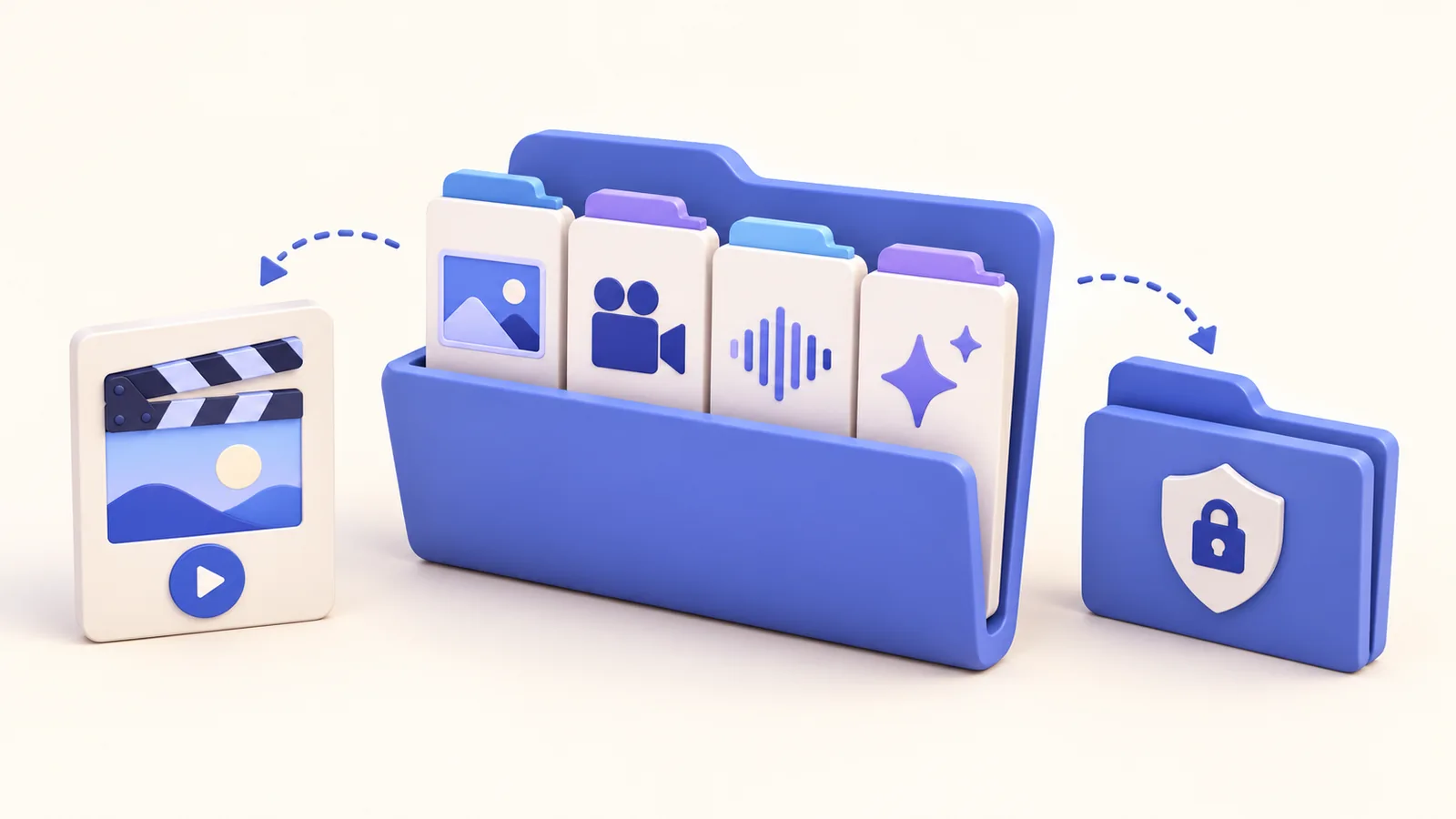
The lesson is useful, but a menu name changed. You have the published movie and no editable project, so a small update becomes a reconstruction job. Keeping screen recording projects reusable changes that starting point. ScreenTale can reopen .screentale bundles and revise presentation effects without changing the original recording. Retain the complete bundle, name revisions clearly, and verify a backup before depending on it for your next course update.
Keep the source you will need later
- Save the complete .screentale bundle, rather than only the exported movie.
- Give each approved revision a recognizable name.
- Check a copied backup by opening it, not just by seeing its filename.
- Re-review cuts, captions, privacy regions, and export after an update.
Store screen recording projects separately from delivery files
The delivery movie is optimized for the audience. The project is the working source for future changes. Keep both, but make their purpose obvious in your folder layout and naming. A colleague who only needs the lesson should not receive a bundle with source media, discarded takes, and private context just because it sits beside the final export.
ScreenTale’s project workflow supports reopening .screentale bundles and revising effects without touching the original recording. Preserve the whole bundle. Do not manually remove internal files to save space when you have not established what they do. Keep project storage private, especially when original media includes content that your final video covered or cut away.
Use explicit revisions before making substantial changes
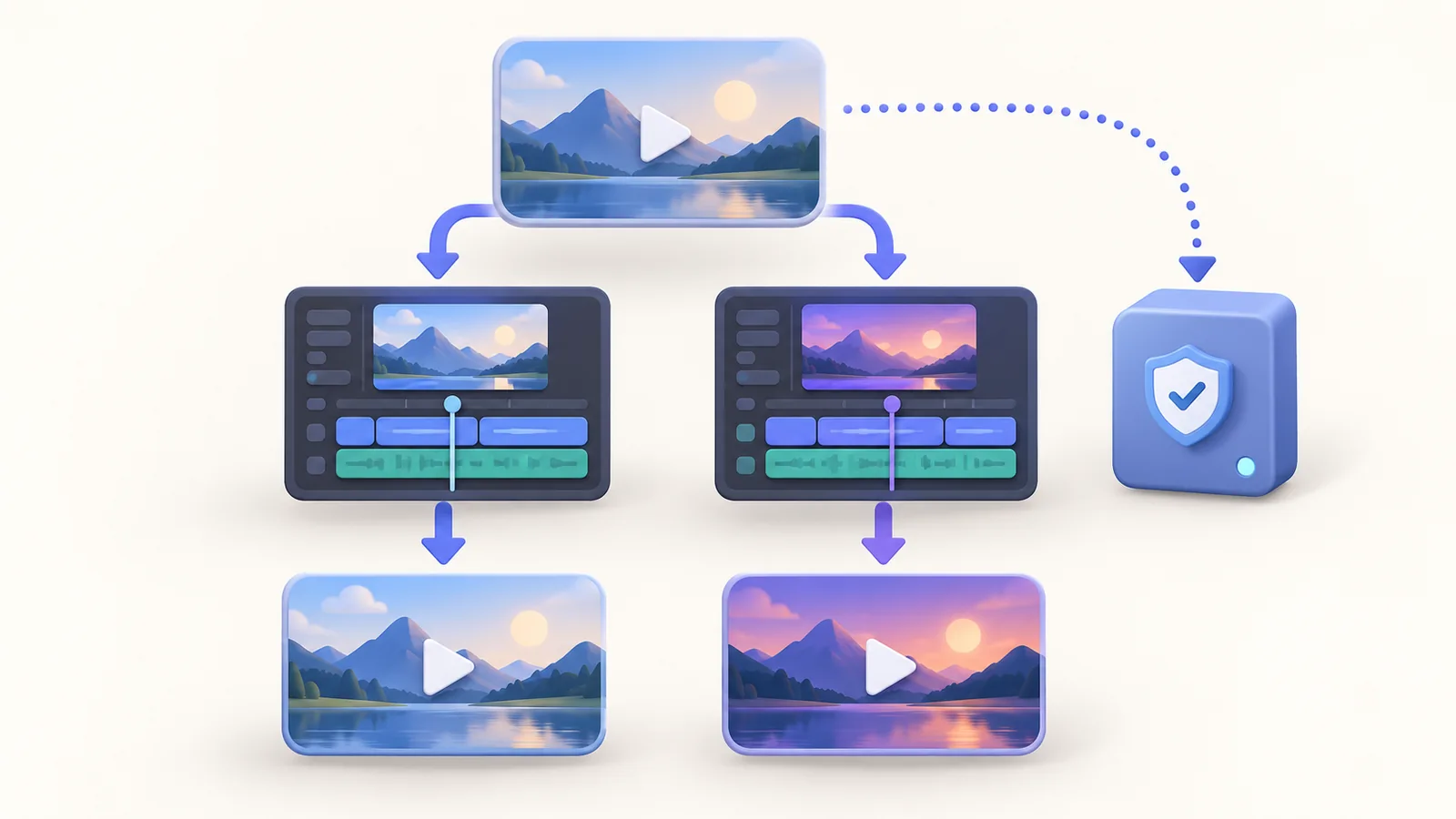
Name the subject and revision consistently, and record which export was approved for publication. Before a significant update, create a separate project copy using your normal file workflow while the project is safely saved. Then make the change in the revision copy. This keeps the last approved state available when a new explanation turns out to need more work.
A revision note can be short: changed menu label, replaced one demonstration, or corrected two captions. It helps you find the right project months later. Avoid calling every file ‘final’ with no meaningful version. If the interface change alters the underlying action, re-record that part rather than trying to hide an incorrect instruction with a new annotation or decorative framing.
Verify a backup you can actually reopen
Copy the complete saved project through your trusted backup workflow, then open the copied version from its backup location or a safe restored copy. Check that the screen media, camera, and audio needed for the lesson are present. A filename and file-size number alone do not prove the project is usable. Keep a known working copy while you test.
ScreenTale’s website describes recovery of interrupted recordings, but recovery support is not a replacement for an independent backup. It is not a guarantee against deletion, storage failure, or every interruption. If a project will not reopen, preserve the original bundle and consult Support with a clear description of the failure. Avoid speculative edits inside the bundle that can make the original harder to diagnose.
Review the whole affected sequence after an update
A replacement action can change more than the picture. Check the spoken explanation, cursor timing, zoom, camera moment, captions, annotations, and privacy regions around the revised section. Watch the joins before and after it. The old lesson’s review does not automatically cover the new sequence, even when most of the timeline has remained the same.
Export the revised lesson and open the actual delivered file. Keep the previous approved movie until the new one has passed review and reached its destination. Record the new revision beside its project so the next update starts from the correct state. This guide concerns source retention and maintenance; it does not promise that every changed lesson can avoid re-recording. Reuse saves effort when the retained source still tells the truth.
Keep tomorrow's starting point. Try ScreenTale and retain a checked project bundle alongside your next delivered lesson.
0 comments
Comments are currently closed for this article.