
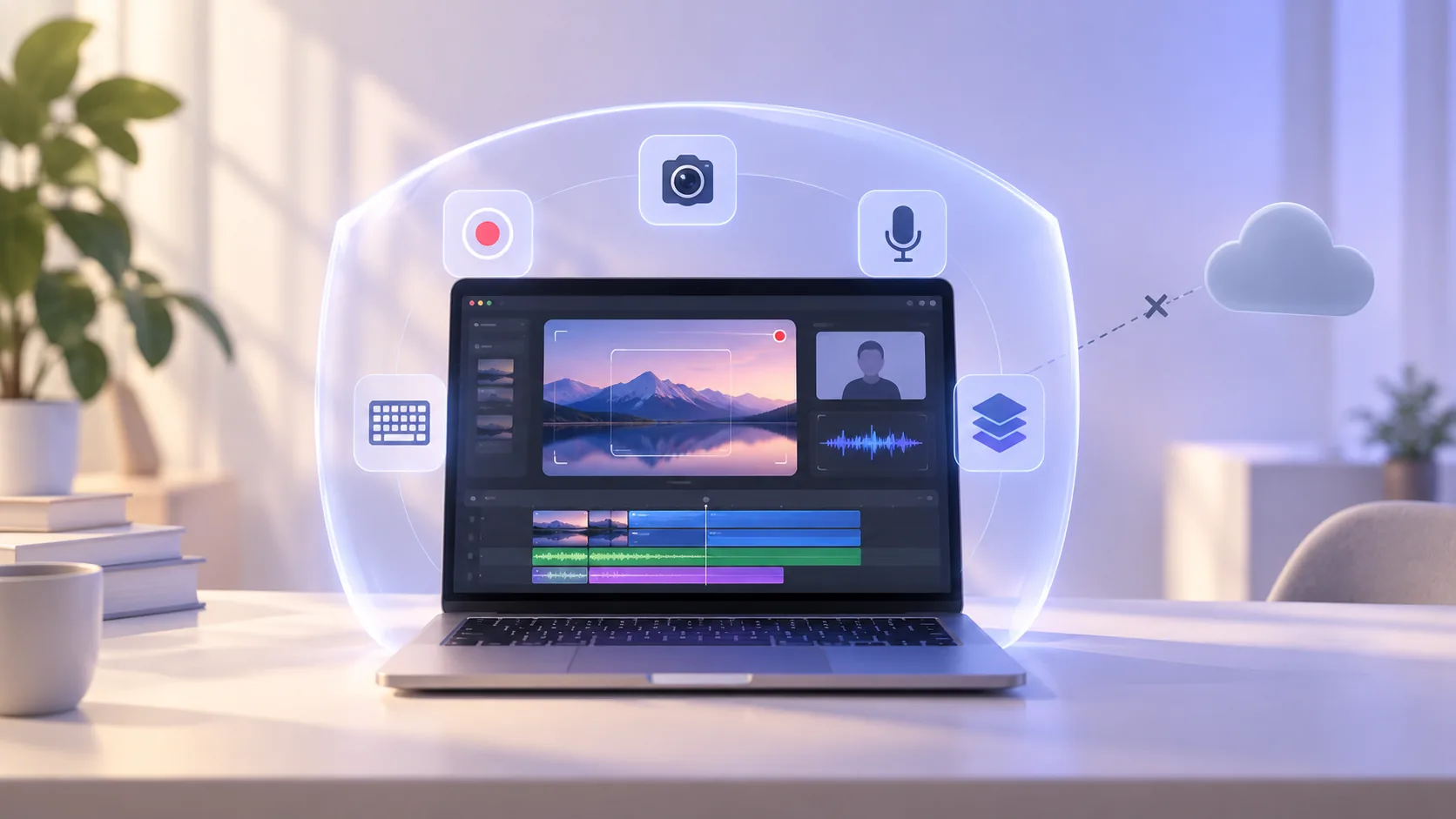
Local-first screen recording should mean more than a lock icon on a landing page. The practical question is simple: where do the pixels, voice, camera, keystrokes, project files, and crash information go? ScreenTale keeps the creative workflow on your Mac and limits network activity to the services that genuinely need it.
ScreenTale’s local data boundary
- Recording, editing, preview, project storage, recovery, and export happen locally.
- ScreenTale does not automatically upload recordings, keystrokes, usage data, or crash reports.
- Optional external subtitle recognition sends only selected edited audio after confirmation; local Whisper keeps it on the Mac.
- Keystroke capture is off by default and pauses when macOS Secure Input is active.
- Download, trial, license, purchase, and update checks use the network only for their stated purpose.
What local-first screen recording actually guarantees
In ScreenTale, capture media is written to the Mac, the project is edited and previewed there, and export is rendered there. The application does not require a cloud upload to unlock the editor. You decide whether an exported MP4, MOV, GIF, or M4A is later sent to YouTube, a course platform, cloud storage, or nowhere.
This model reduces exposure and removes upload time from the editing loop. It is especially useful for source code, unreleased product interfaces, client material, school content, and any recording where the raw take contains more information than the final cut.
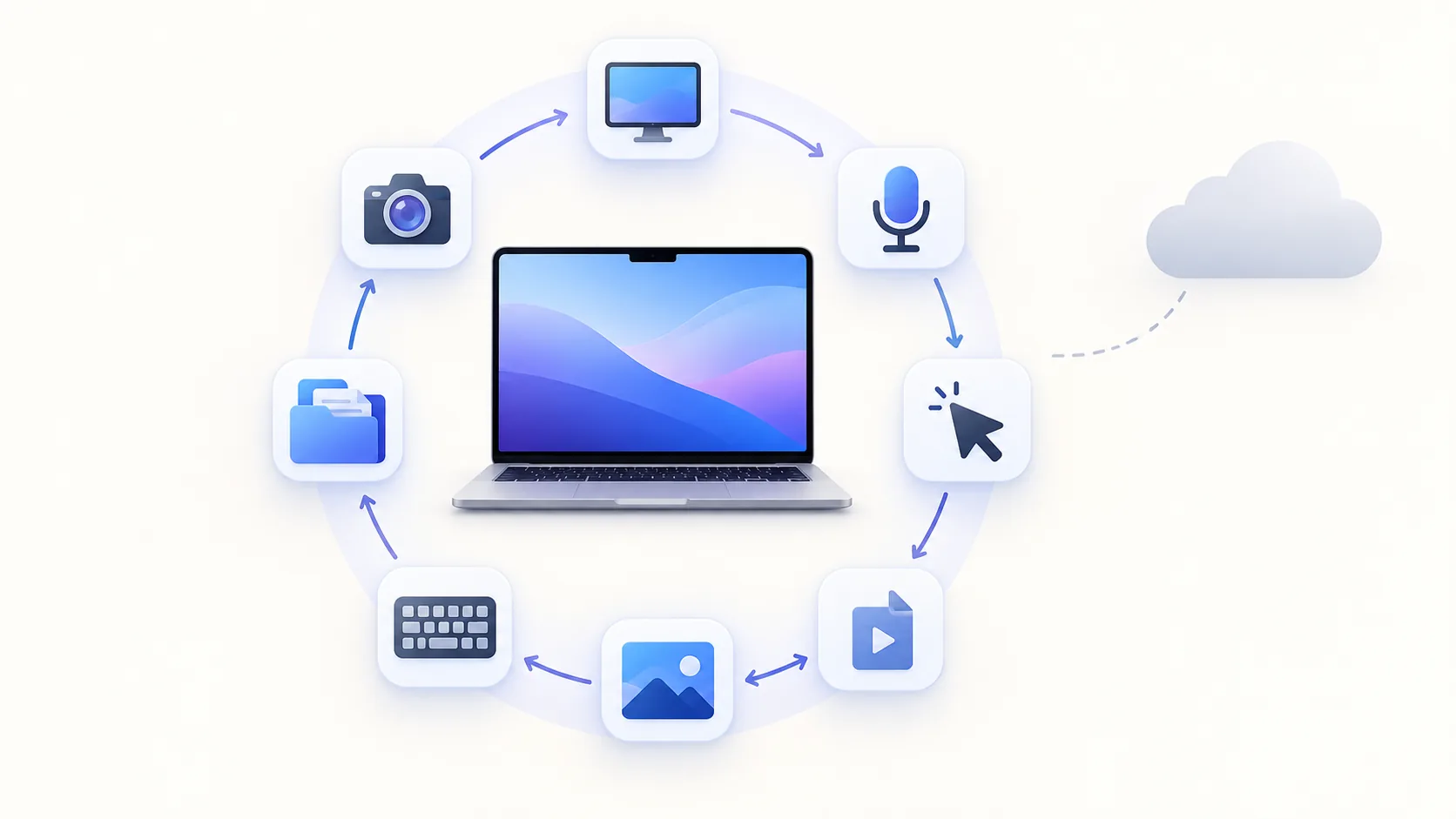
Local-first does not mean a Mac never connects to the internet
Downloading an app, checking for an update, starting a trial, activating a license, or completing a purchase requires a narrowly defined online service. Those requests do not upload recording media. Separately, External Provider subtitles send only selected edited audio to your configured HTTPS endpoint after you confirm; local Whisper does not send audio.
The distinction matters because “offline” and “private” are not synonyms. A fully offline app can still write sensitive data carelessly, while a local-first app can make a limited license request without transferring your screen. Evaluate each data flow by its purpose and payload.
Keystrokes need a stricter rule than cursor movement
Visible shortcuts make software tutorials easier to follow, but typed input can include passwords, personal messages, API keys, and private search terms. That is why ScreenTale leaves keystroke capture off by default. When macOS reports Secure Input, capture stops rather than trying to inspect protected typing.
Still, no safety mechanism understands your entire context. Enable keystrokes only for a lesson that benefits from them, use placeholder credentials, and review overlays before export. If a shortcut does not add teaching value, leaving it out is the safest and cleanest choice.
Crash recovery and reports stay under your control
Interrupted recordings and application failures are frustrating precisely because the source may be unique. ScreenTale’s recovery work happens from local project data. Crash reports remain on disk and are not uploaded automatically, so diagnostics cannot silently become another route for project names or system details to leave the machine.
If you choose to send diagnostic information while asking for support, inspect it and share only what is needed. Private by design should make the safe default easy while preserving a deliberate path for troubleshooting.
Your recording environment is still part of the threat model
Local processing cannot hide a notification already visible in the pixels, a customer name spoken into the microphone, or an API token typed into Terminal. Before recording, close unrelated windows, turn on Focus, replace real data with examples, inspect the camera background, and choose an app or area capture when a full display is unnecessary.
After editing, watch the export rather than only scrubbing the timeline. Pause on transitions and zoomed frames, listen for private speech, and check keystroke overlays. Then store or delete source projects according to the sensitivity and retention rules of your work.
Privacy is easier to trust when it is specific
A vague promise asks you to believe a brand. A concrete boundary lets you verify behavior and decide whether it matches your risk. For ScreenTale, recording, editing, and export stay local. External subtitle recognition is an explicit choice to send selected audio; distribution and entitlement actions connect for their stated purposes.
Read the ScreenTale privacy policy for the formal description, and apply the same scrutiny to every destination where you later upload an export. Local-first recording protects the beginning of the workflow; you remain in control of its end.
Keep the first copy on your Mac. Use the 30-day ScreenTale Launch Pass and inspect the local workflow with a non-sensitive project.


0 comments
Comments are currently closed for this article.