
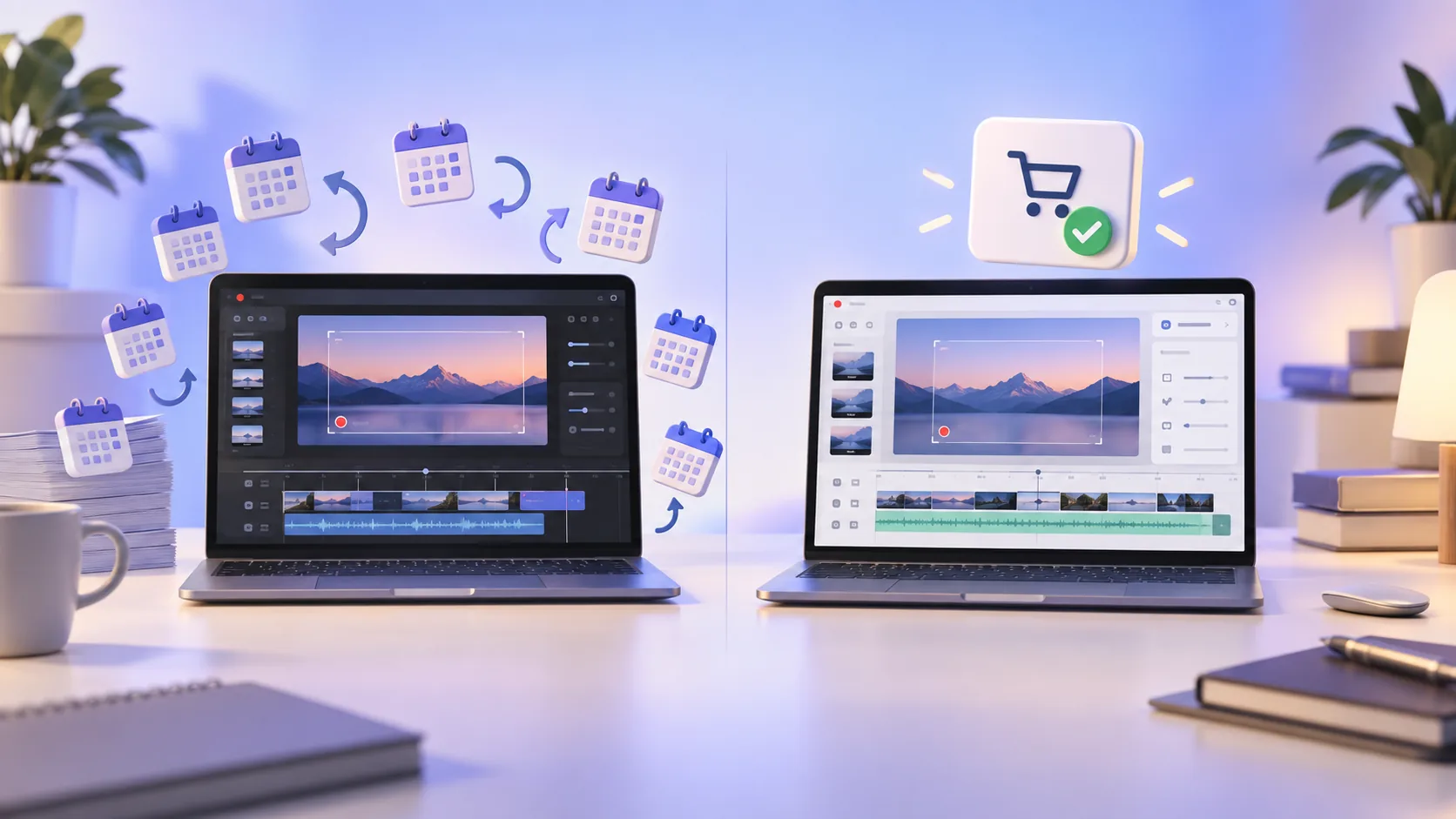
ScreenTale and Screen Studio solve a similar problem: a raw screen capture is rarely ready to publish. Both can turn cursor movement and app interactions into a more intentional story. The honest comparison is not that one app does everything better. It is about which product boundary fits your work.
ScreenTale vs Screen Studio in one minute
- Choose ScreenTale for a Mac-native, local-first editor, a 30-day no-watermark Launch Pass, and a $9.99 USD lifetime license.
- Choose Screen Studio if its established polish and current feature set justify a USD 29 monthly or USD 108 annual subscription for you.
- Both reduce manual animation work; test the same two-minute tutorial in each app before deciding.
The shared idea: record first, direct attention later
Traditional screen recording bakes most decisions into one video. If the pointer drifts, the camera covers a control, or the screen feels too wide, you either accept it or record again. Modern screen-focused editors preserve enough structure to change how the viewer experiences the action after capture.
ScreenTale follows that model with adjustable Framing, Background, Zoom, Cursor, Annotations, Camera, Keystrokes, and Audio controls. Screen Studio is well known for automatic zoom and polished motion. In either product, the practical benefit is fewer re-takes and less keyframing in a general video editor.
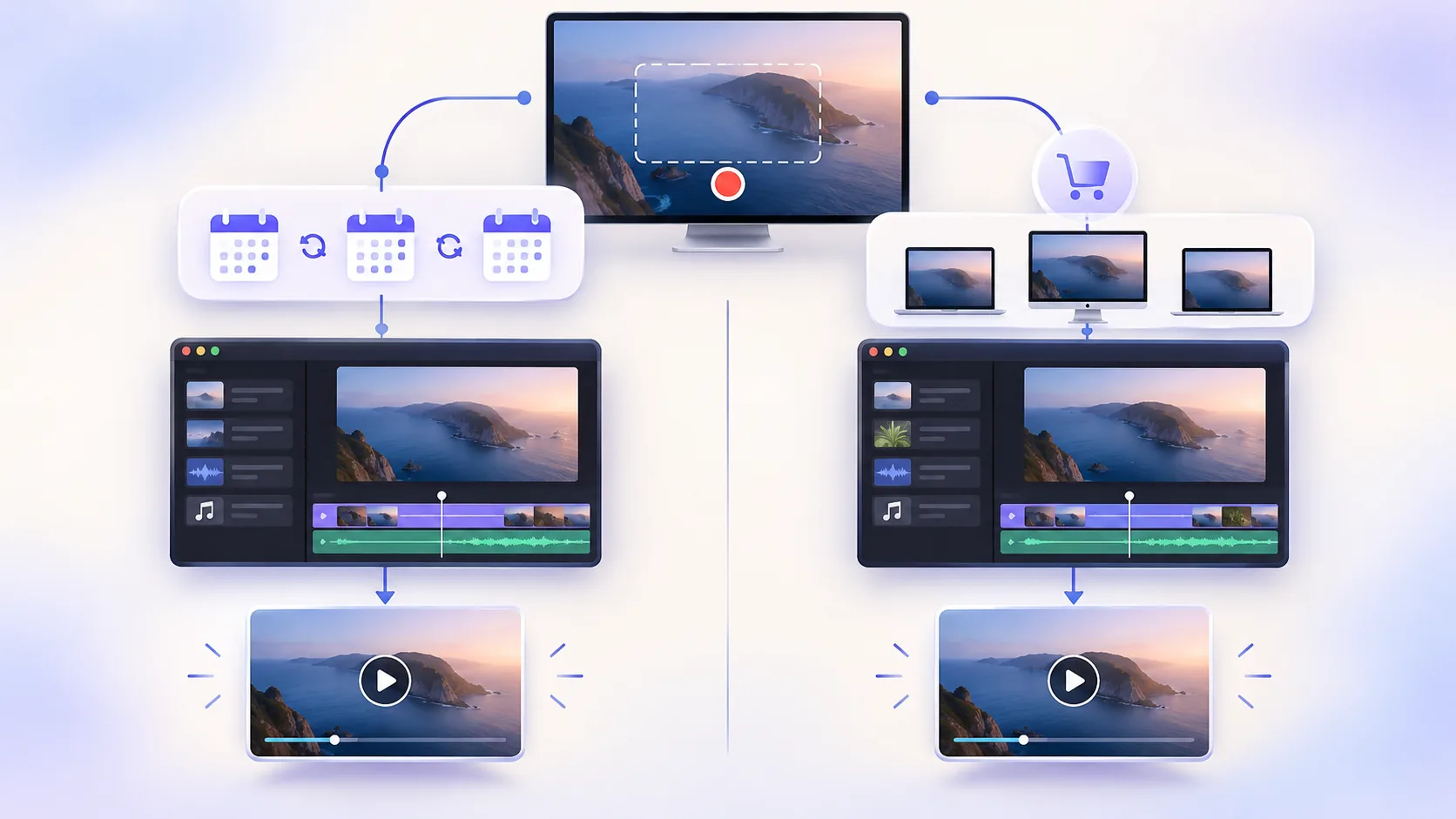
Capture and editing: compare your real project
ScreenTale can capture a display, window, app, or custom area with camera, microphone, and system audio. Its timeline supports splitting, arranging segments, speed changes, marks, and independently adjustable presentation layers. Automatic zoom provides a starting point, while timing and framing remain editable.
Feature labels alone can be misleading. Record the same workflow in both apps: open three windows, type a shortcut, play system audio, move the cursor quickly, and make one mistake. Then measure how long it takes to hide the mistake, rebalance audio, correct zoom timing, and export. That test answers more than a long checklist.
Local-first privacy is a product decision
ScreenTale records, edits, previews, stores projects, recovers interrupted work, and exports on your Mac. It does not upload recordings, keystrokes, usage data, or crash reports automatically. Keystroke capture is off by default and stops when macOS Secure Input is active.
That boundary matters when you record source code, customer dashboards, internal tools, or lessons containing student information. It does not remove your responsibility to inspect the final frame, but it reduces the number of systems that ever receive the source recording.
Price and ownership are where the paths separate
Screen Studio listed USD 29 per month or USD 108 per year when checked on September 9, 2026. A subscription can make sense when the app saves billable production time every week. It is less comfortable when you record only a few launch videos or tutorials each quarter.
ScreenTale costs $9.99 USD once for up to three active Macs and includes future releases. Polar confirms the actual transaction currency and tax at checkout. There is no renewal fee. That lower price is intentional: I build ScreenTale for creators, developers, and teachers who should be able to own a focused tool without turning every utility into recurring overhead.
Platform and maturity: two real trade-offs
ScreenTale is specifically for Apple silicon Macs running macOS 15 or later. A narrow platform lets the app use native macOS behavior, but it rules out Intel Macs, Windows, and Linux. Screen Studio also focuses on desktop screen-video creation and has a more established public track record.
A newer product may be attractively priced and responsive to feedback, yet it will not have every edge case accumulated by a mature competitor. If one specialized export, collaboration path, or integration is essential, confirm it in the trial rather than assuming parity.
My recommendation for independent creators
If you publish frequently and already know Screen Studio removes more than USD 108 of annual effort, staying with it is a rational choice. Switching tools has a cost too. If you are starting, work on a tight budget, prefer local processing, or dislike subscriptions for occasional utilities, ScreenTale deserves a real project test.
I am a YouTuber and previously taught programming, so my benchmark is simple: can I explain one idea clearly without spending the rest of the day animating the explanation? That is the workflow ScreenTale is built around. Your own two-minute video is still the fairest judge.
Pricing reference
Run the two-minute test. Claim the 30-day ScreenTale Launch Pass, with every feature enabled and no watermark.


0 comments
Comments are currently closed for this article.