

The attachment limit is smaller than your exported tutorial. Turning quality down immediately may fit the upload while making the exact menu label impossible to read. Screen recording file size is better handled in order: remove unused duration, choose an output that suits the destination, then test quality on demanding content. Keep the original project so the smaller delivery file does not become your only copy.
A sensible reduction order
- Trim material that contributes nothing to the explanation.
- Choose resolution for the viewing task, not automatically the maximum.
- Change one export setting at a time and compare real files.
- Review dense text, scrolling, gradients, audio, and destination playback.
Reduce screen recording file size by editing the duration first
Remove the setup you do not teach, discarded takes, long empty waits, and duplicate explanations. Shortening the useful edit reduces how much media the delivered file must contain without asking compression to do all the work. Keep context that establishes the starting state, and preserve time to read a result. A smaller confusing lesson is not a successful export.
Write down the destination’s actual size limit and delivery method. A web player, an attachment, and an internal upload can have different requirements. Test the final destination rather than trusting the file extension alone. If a much smaller limit would destroy readability, provide an appropriate video link or a shorter focused explanation through your chosen sharing service instead of crushing the whole lesson.
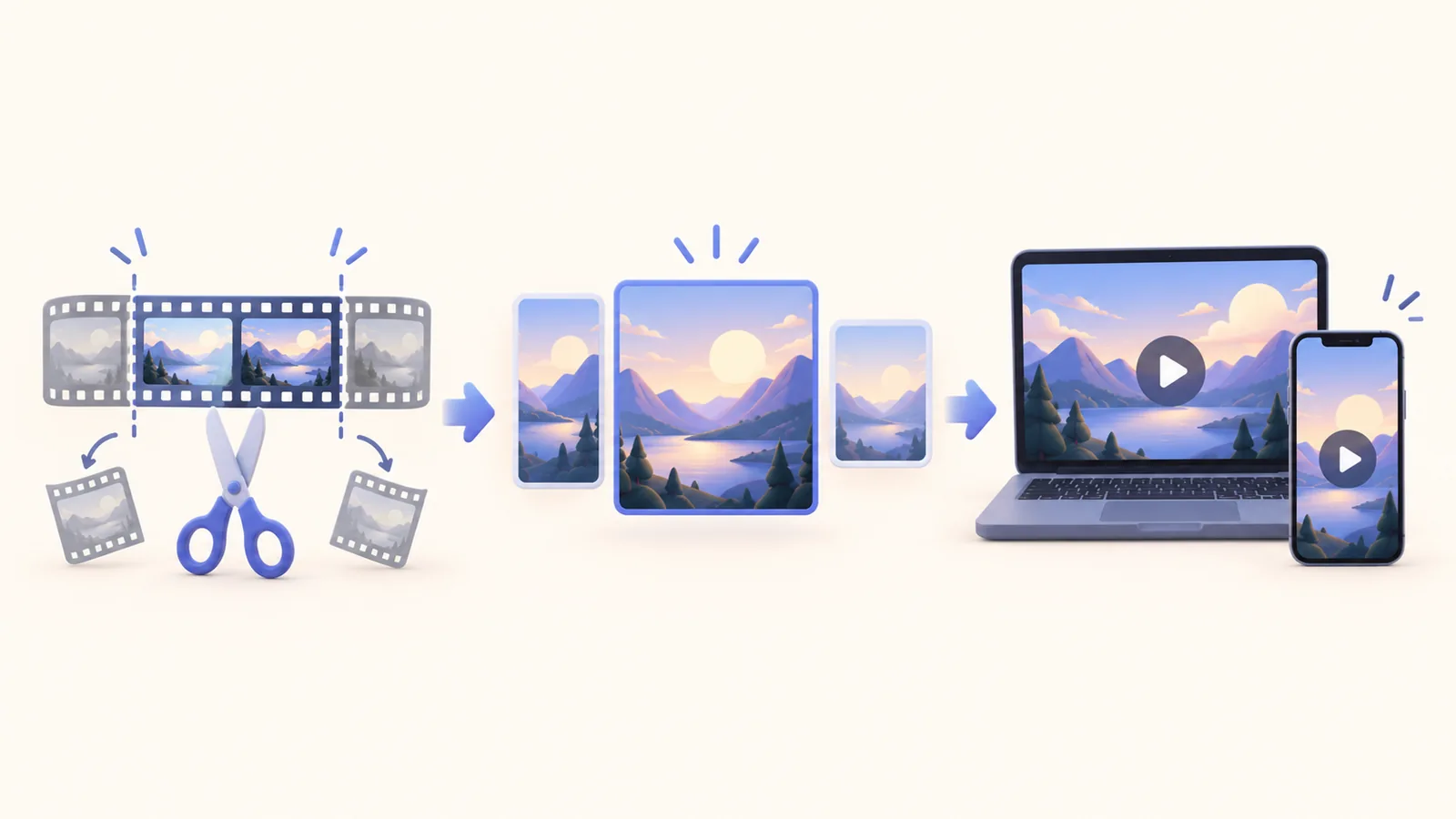
Choose an output canvas that serves the text
A recording of an enormous desktop with tiny interface text remains hard to read after downscaling. Improve the source framing and make the important control occupy enough of the delivered picture. Resolution and composition work together. If you need several distant panels at once, separate the explanation into sections rather than expecting a small output to preserve every detail equally.
ScreenTale’s export workflow offers MP4, MOV, GIF, or M4A output up to 4K and 60fps. Those are capabilities, not a requirement to choose the maximum for each file. For a screen explanation, start with a video output appropriate to its destination. GIF is not automatically smaller, and audio-only output is useful only when the visual instruction is unnecessary.
Compare quality settings on a demanding sample
Select a short section containing the smallest essential text, a scroll, and any detailed image. Export it with the candidate settings and compare the resulting files. Change one decision at a time so you understand what affected readability and size. Do not invent an expected percentage reduction; content, duration, and encoder choices all influence the result.
Inspect at the size where viewers will watch, as well as at full size when detail matters. Look for smeared characters, blocky transitions, banding, and lost cursor emphasis. Listen to the audio too. If the image fails, improve framing or keep a higher-quality version. An export that passes your desktop preview still needs a check in the destination’s player or after its own processing.
Keep a delivery copy and an editable source
Name the final file so the recipient can recognize the subject and revision. Keep the ScreenTale project separately for a later export, rather than repeatedly recompressing the smallest movie. Reopen the project when you need another destination’s output. That keeps the decision reversible and makes future corrections easier than rebuilding an explanation from the delivered file.
After uploading, watch the hardest section in the received version. Confirm text, timing, and audio survived the full handoff. For related framing decisions, see the aspect-ratio guide. File-size work ends when the audience can understand the smaller delivered video. It does not end when a number in Finder falls below a limit.
Test the difficult section first. Try ScreenTale and compare two small exports before rendering the full lesson.


0 comments
Comments are currently closed for this article.