
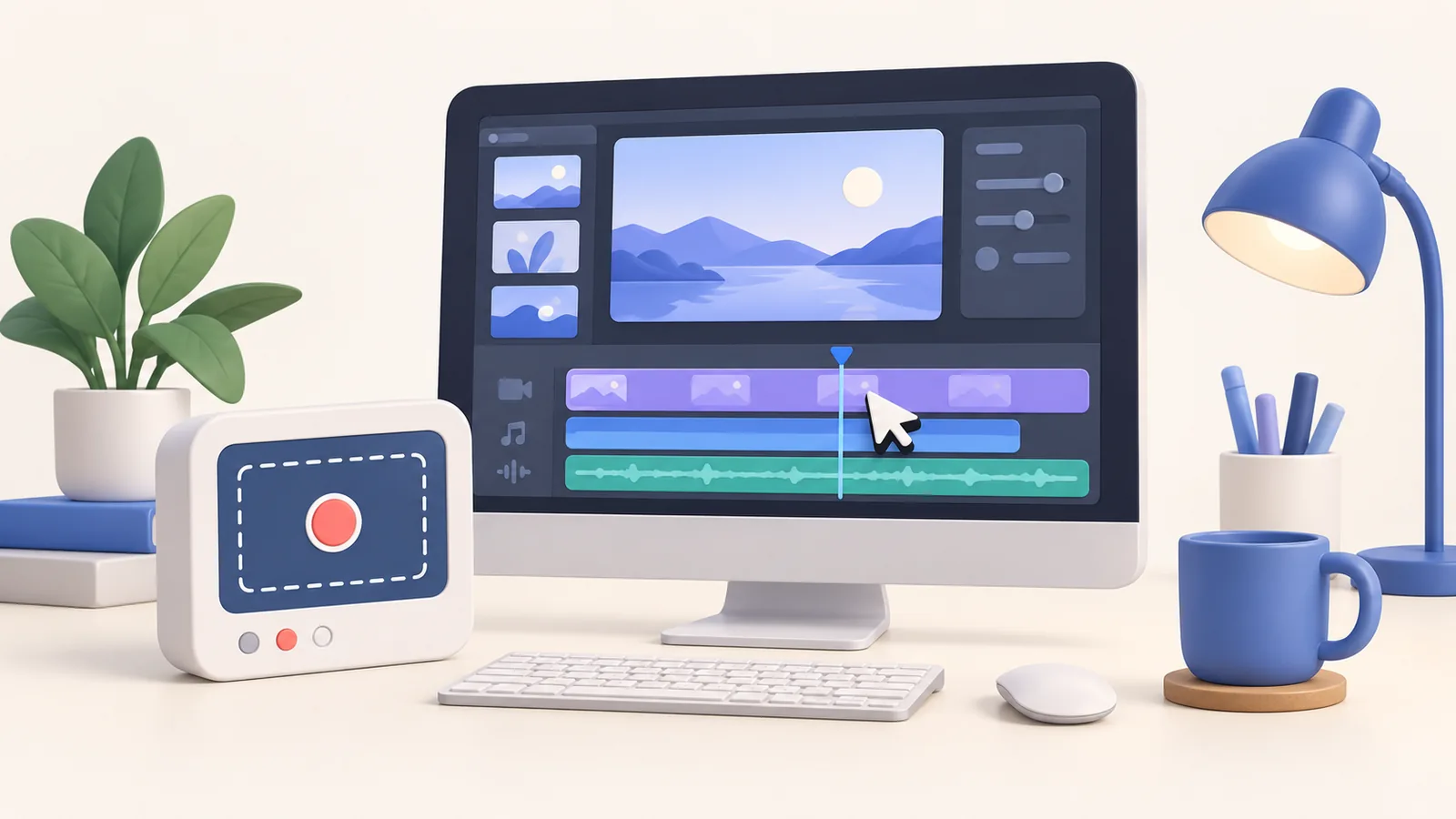
You need to show one setting to a colleague. Buying an editor before trying the Mac’s own recorder would be premature. But a lesson with small controls, a camera introduction, and later revisions asks for more than capture. ScreenTale vs QuickTime is therefore a question about the finished explanation. QuickTime can cover basic recording and trimming; ScreenTale adds a project-based presentation workflow. Neither choice makes unclear source material automatically useful.
Choose by the next step
- Try QuickTime for a straightforward screen capture that needs little revision.
- Consider ScreenTale for adjustable zoom, camera layouts, captions, and project reuse.
- QuickTime has trimming tools; basic recording does not mean no editing at all.
- Check the final file, rather than assuming every player handles it identically.
ScreenTale vs QuickTime for a small, clear task
Apple’s current guide explains that File > New Screen Recording in QuickTime opens Screenshot, where you choose recording options and save the recording on your Mac. For a self-contained action with readable controls, that may be all you need. You can focus on demonstrating the result instead of learning another tool before sending a short answer.
Before recording, close unrelated windows, enlarge the working area, and rehearse the action once. Give the viewer a moment to see the starting state and the result. These choices improve any recorder’s output. If the only expected edit is removing the beginning or end, start with the built-in route and review the saved movie before introducing more complexity.
Understand what QuickTime already edits
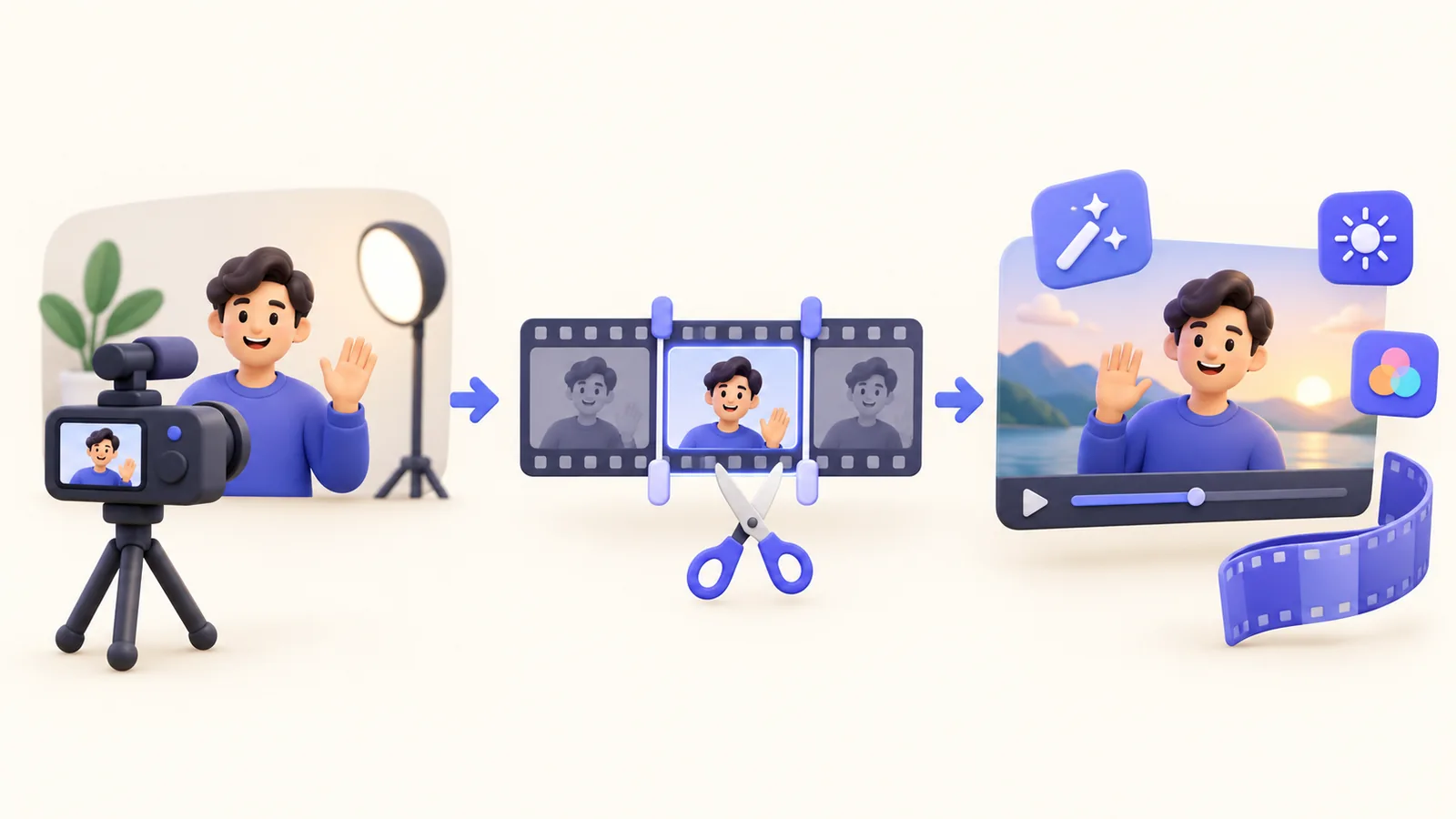
QuickTime is not merely a Record button. Apple documents trimming a movie or clip with the trimming bar, and its guide also links to splitting and arranging clips. A comparison should acknowledge those tools. It is fair to choose QuickTime when they cover the required cleanup. It is unfair to describe a basic workflow as incapable of any editing.
The decision changes when you want to revise how attention is directed. ScreenTale’s product workflow includes cursor-aware zoom suggestions, adjustable framing, annotations, camera layouts, and reviewable subtitles. Ask whether those changes serve the explanation. A decorative background alone is a weak reason to buy an editor; a recurring need to make small interface steps legible is a stronger one.
Keep a project when revisions matter
An exported movie is a delivery artifact. A ScreenTale project bundle preserves the recording workflow for later edits. Keep that distinction clear when a lesson changes after a software update: your colleague needs the final video, while you may need the project to change timing or presentation. Store the project separately from the files you send publicly.
ScreenTale supports Apple Silicon Macs running macOS 15.0 or newer. Its website lists a one-time $9.99 USD lifetime license for up to three active Macs with future releases included; Polar confirms the checkout total. The 30-day account-bound Launch Pass needs sign-in and a connection at least once every 24 hours for clean export. Check pricing and access terms, rather than assuming local editing means no account requirement.
Test capture, revision, and delivery together
Use the same small task in both workflows. Record a menu change, then remove a false start and make the result understandable at the size where it will be watched. If QuickTime’s cleanup is sufficient, keep that simple solution. If you repeatedly want to adjust zoom, camera, or caption timing, evaluate a project editor with those exact requests.
Finally, open the export in its destination player and check text and audio. Apple’s export guide describes QuickTime output options; file compatibility deserves its own check. This article does not claim QuickTime is slower or that ScreenTale captures better source pixels. Official references were checked on 5 October 2026. The recommendation is to add an editor when useful revisions justify the extra step.
Apple references checked on 5 October 2026
- Record your screen in QuickTime Player
- Trim a movie or clip in QuickTime Player
- Export movies in QuickTime Player
Start with one real explanation. Try ScreenTale when your next revision needs more than a simple trim.



0 comments
Comments are currently closed for this article.