
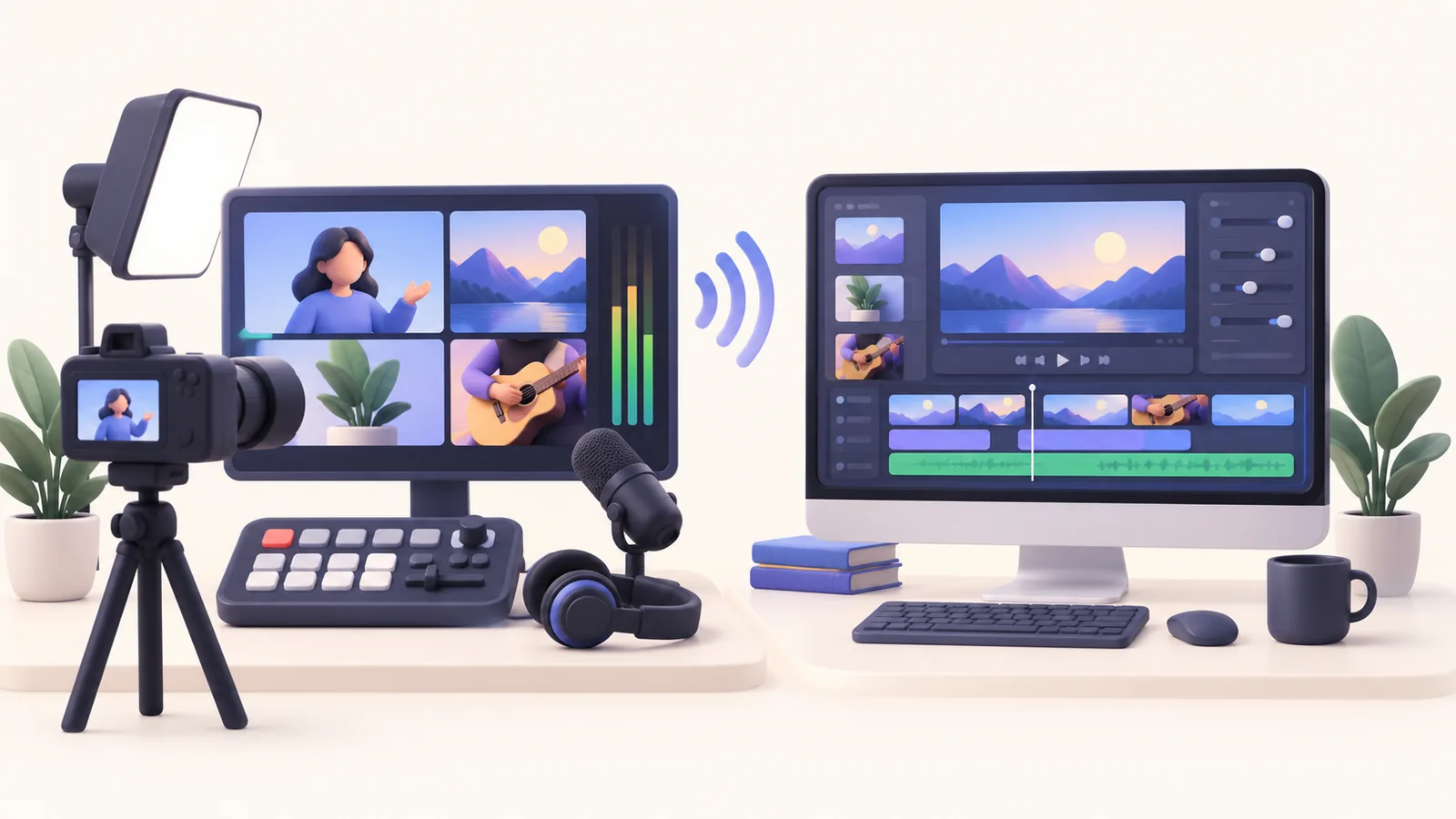
A recorder can be excellent and still solve the wrong problem. In ScreenTale vs OBS Studio, the useful distinction is when you shape the video. OBS centers on live production; ScreenTale lets you revise a Mac screen recording after capture. Choose OBS when the audience needs a broadcast now. Consider ScreenTale when your final tutorial needs adjustable zoom, camera moments, captions, and a project you can reopen. This is a workflow comparison, not a performance benchmark.
A short answer before the feature list
- OBS Studio is free and open source, with real-time scenes and streaming.
- ScreenTale is a native editor for Apple Silicon Macs running macOS 15.0 or newer.
- A live scene and an editable recording project are different deliverables.
- Compare a short real task, including the revisions and export.
ScreenTale vs OBS Studio starts with your audience
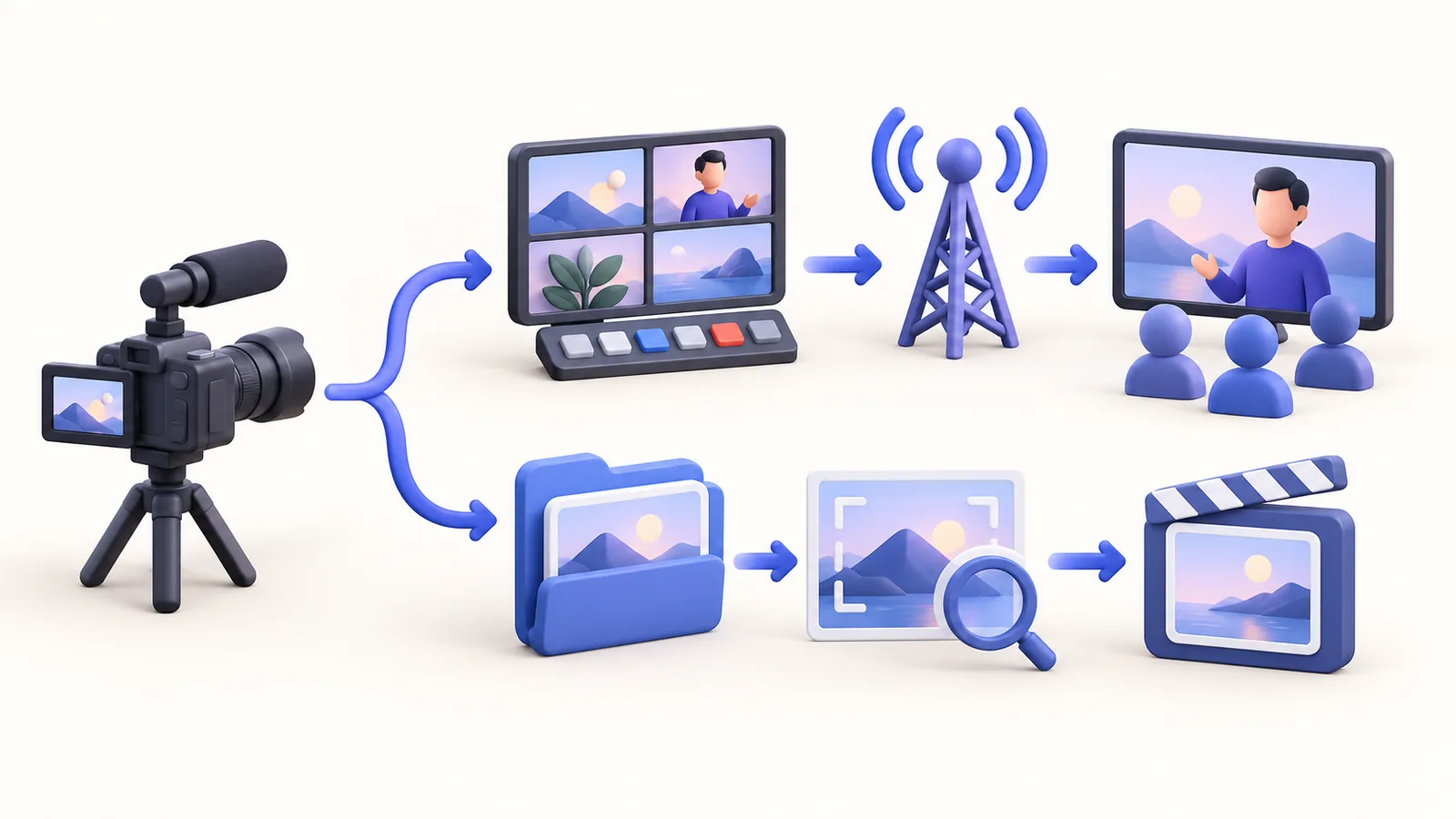
For a live workshop, the viewer cannot wait while you polish a cut. You must prepare scenes, check the sources, and decide what appears while you speak. OBS provides multiple sources, scene switching, and streaming. That makes it a sensible candidate for a broadcast with several inputs. Its flexibility also asks you to take responsibility for your scene setup before the event.
For an edited lesson, the viewer receives a file later. You can remove a false start, adjust a zoom, or change a camera layout before anyone sees it. ScreenTale supports capture and timeline editing on your Mac. The advantage is the chance to reconsider presentation. The trade-off is that producing an edited deliverable still takes review time; a recorder does not replace a clear explanation.
Decide what must remain editable
A finished movie contains the visible composition. It is not the same thing as a project whose effects and layers can be changed. Write down the revisions you commonly receive: make the control larger, move the camera away from a result, shorten the pause, or correct a subtitle. This list is more useful than counting buttons on a product page.
ScreenTale’s project workflow lets you trim and align screen, camera, zoom, keystroke, and audio layers, then revise presentation effects. Keep the project bundle when later changes matter. If you choose OBS, plan the recording and any subsequent editor together. Test your own handoff rather than assuming an OBS scene configuration is interchangeable with a post-production project.
Compare setup, compatibility, and ownership
OBS is available for Windows, macOS, and Linux. ScreenTale targets Apple Silicon and macOS 15.0 or newer. A mixed-platform team may therefore have a different answer from a creator who works entirely on a recent Mac. Check the specific machine first; enthusiasm for editing features cannot overcome an unsupported computer.
OBS has no software license charge. ScreenTale’s website presents a one-time $9.99 USD lifetime license for up to three active Macs, including future releases; Polar confirms checkout currency and tax. The account-bound 30-day Launch Pass requires sign-in and a connection at least once every 24 hours for clean export. Read the current pricing terms before choosing. No measured speed or resource advantage is claimed here.
Use one realistic test to settle the choice
Record a short explanation with one screen action, a spoken sentence, and a camera moment if you use one. Then change something: remove a pause, make a result easier to see, and prepare the output for its actual destination. Include the time spent checking audio and the final file. A fast start means little if the last revision is awkward.
For a live event, rehearse the scene transition and audio path instead. OBS’s official quick-start guide recommends testing settings before a real session. For an edited tutorial, review the ScreenTale editing workflow against your revision list. You may sensibly keep both tools: one for broadcasts and one for prepared explanations. Product references were checked on 5 October 2026; the recommendation is editorial judgment.
Official references checked on 5 October 2026
Test the revision you actually need. Download ScreenTale and compare a small edited tutorial with your existing production workflow.

0 comments
Comments are currently closed for this article.