
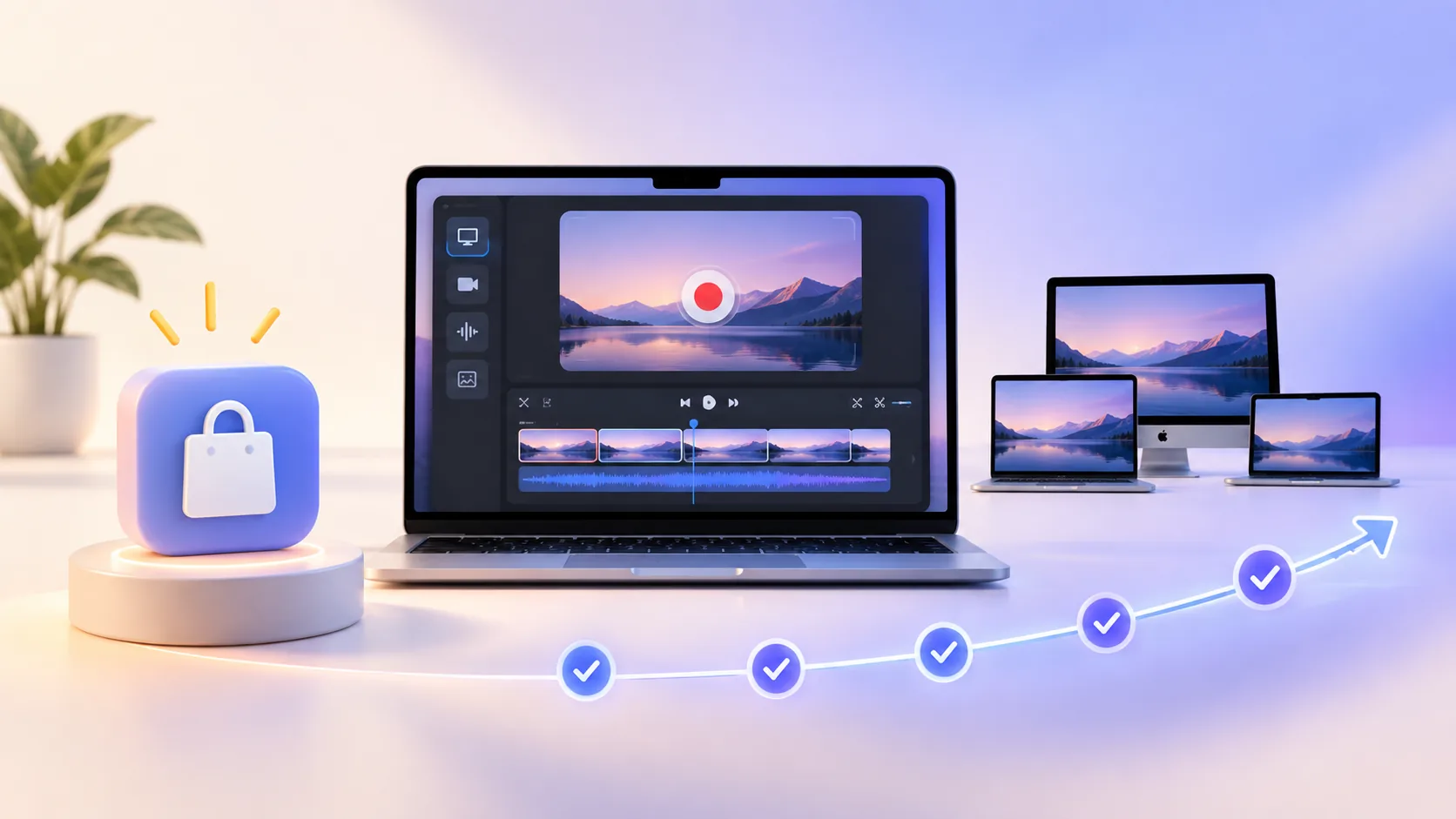
A lifetime screen recorder license sounds automatically cheaper than a subscription, but “lifetime” alone is not a buying reason. The app must fit your Mac, produce the result you need, and state what the license includes. Price matters after those questions, not before them.
ScreenTale’s license in plain language
- $9.99 USD paid once; Polar confirms the transaction currency and tax at checkout.
- Use on up to three active Macs and release a device before activating another.
- All current features and future ScreenTale releases are included.
- Try the complete app with a 30-day Launch Pass and no payment method or watermark before buying.
What a lifetime screen recorder license should explain
A useful lifetime offer answers four questions: lifetime of what product, which updates are included, how many devices can be active, and whether optional services can carry separate costs. If the page only displays a large discount without those boundaries, the price is not yet understandable.
For ScreenTale, the license covers the Mac application and future releases, with up to three active Macs. Recording, editing, project storage, preview, and export are local. The purchase does not invent a permanent cloud-hosting promise because cloud video hosting is not part of the product.

Compare total cost over the period you really use
Suppose a subscription costs USD 108 per year. Two years cost USD 216 before tax; five years cost USD 540 if the price never changes. Compare that recurring total with ScreenTale’s current $9.99 USD lifetime license, then account for the workflow you will actually use. The arithmetic can favor the one-time purchase quickly without assuming the current price will never change.
But cost per useful output is a better measure. A free recorder that creates two hours of manual editing every week may be expensive in time. A subscription that saves a professional several billable hours can be excellent value. A lifetime app you never open is still wasted money.
Why ScreenTale uses a one-time price
I build ScreenTale for independent creators, developers, and teachers. Many of us record in bursts: a course this month, a launch next quarter, a tutorial when an idea is ready. Charging every quiet month makes a focused desktop utility harder to keep around.
A one-time license makes that relationship simpler. Buy after the workflow has proved useful, keep the app available, and return when the next project appears. The price is deliberately accessible because the product should save editing effort before it creates financial overhead.
When a subscription may still be the better choice
Subscriptions can fund hosted storage, team workspaces, transcription, collaboration, continuously consumed AI, or service guarantees. If those online services are central to your work, recurring payment follows recurring provider cost. A local license cannot honestly promise every cloud service forever for one small fee.
Choose the subscription when its ongoing service saves more value than it costs. Choose a lifetime desktop license when you mainly need local capture and editing, prefer to select your own publishing destination, and want predictable ownership.
Use the three-Mac limit as intended
Three active Macs cover a common personal setup: a main desktop, a laptop, and one replacement or secondary machine. It does not mean unlimited sharing across a team. When all slots are occupied, release a Mac before activating another.
If a company needs many users, confirm the appropriate licensing path rather than cycling one personal license through a group. Clear device boundaries keep a low one-time price sustainable for the people it is designed to serve.
The trial should make the purchase almost boring
Download ScreenTale, sign in from License settings to claim the 30-day Launch Pass, and use your real capture source. Test microphone and system audio, make an automatic zoom, correct the cursor, move the camera, reopen the project, and export the format you publish. Every feature is available and the result has no watermark.
If the workflow is wrong, do not buy it merely because the lifetime price is low. If it gives you time back and the Mac requirements fit, the one-time ScreenTale license makes the long-term cost unusually easy to understand.
Buy only after the work is done once. Download ScreenTale, finish one real project during the 30-day Launch Pass, and decide with evidence.


0 comments
Comments are currently closed for this article.