
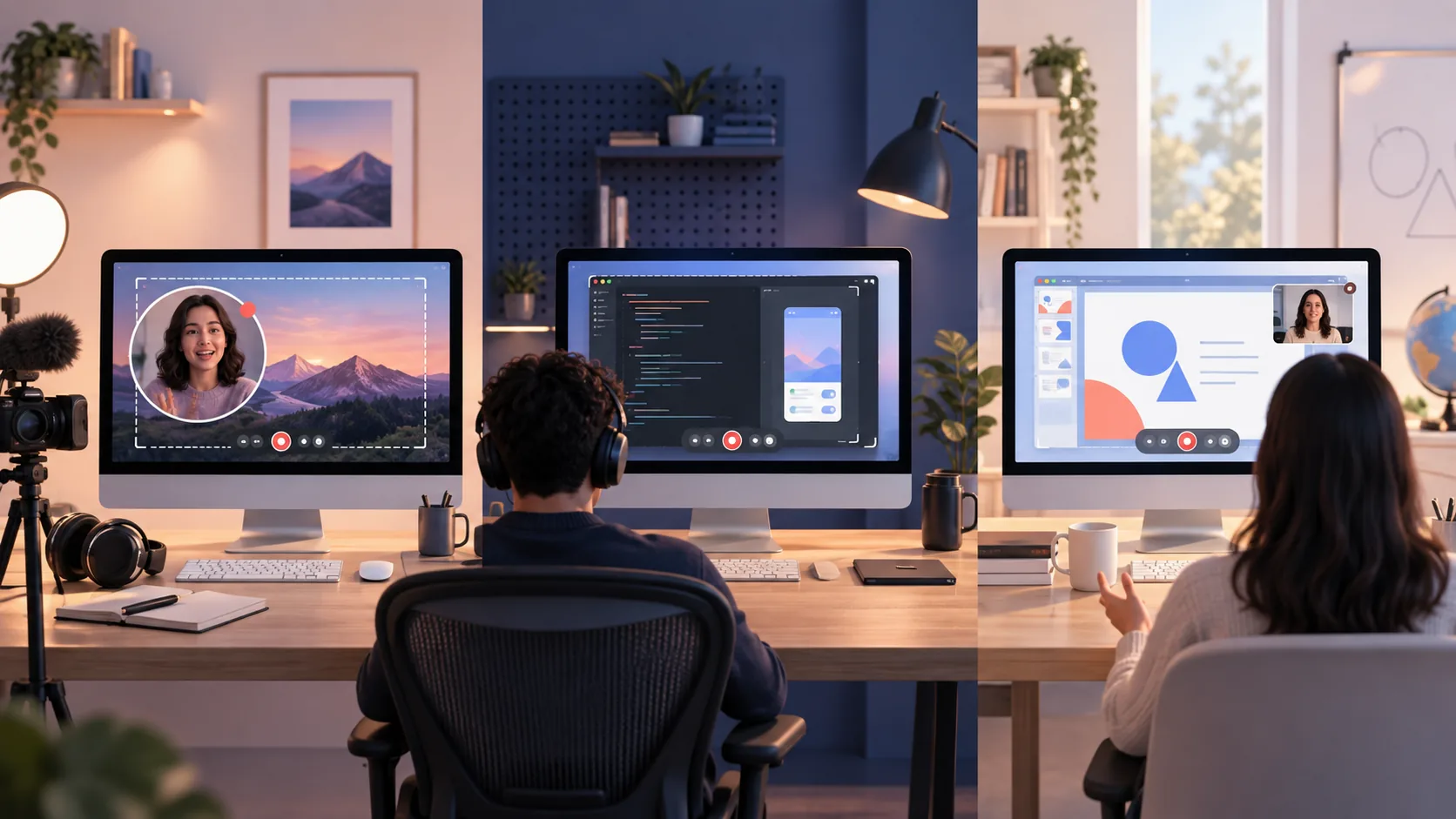
Searching for the best screen recorder for Mac usually produces one long ranking. That format is convenient and mostly unhelpful. A live streamer, a programming teacher, and a product designer sending feedback do not need the same recorder. Let us start with the job, then choose the tool.
The short list by use case
- Polished tutorials: ScreenTale or Screen Studio.
- Live streaming: OBS Studio.
- Screenshot-heavy documentation: CleanShot X.
- Async team messages: Loom.
- Complex course editing: ScreenFlow; quick basic capture: QuickTime Player.
Best Mac screen recorder for YouTube tutorials
Tutorial viewers need to know where to look. A screen-specific editor saves time by turning clicks and cursor movement into adjustable zoom, then letting you refine framing, background, pointer appearance, camera placement, and pacing. ScreenTale and Screen Studio are the two obvious fits for that style.
ScreenTale is the lower-cost, local-first option: $9.99 USD once, a 30-day Launch Pass, and up to three active Macs. Polar confirms the actual transaction currency and tax at checkout. Screen Studio has a longer track record and subscription pricing. Try both with a real tutorial and compare editing time, not only the first exported frame.
Best recorder for programming demos and bug reports
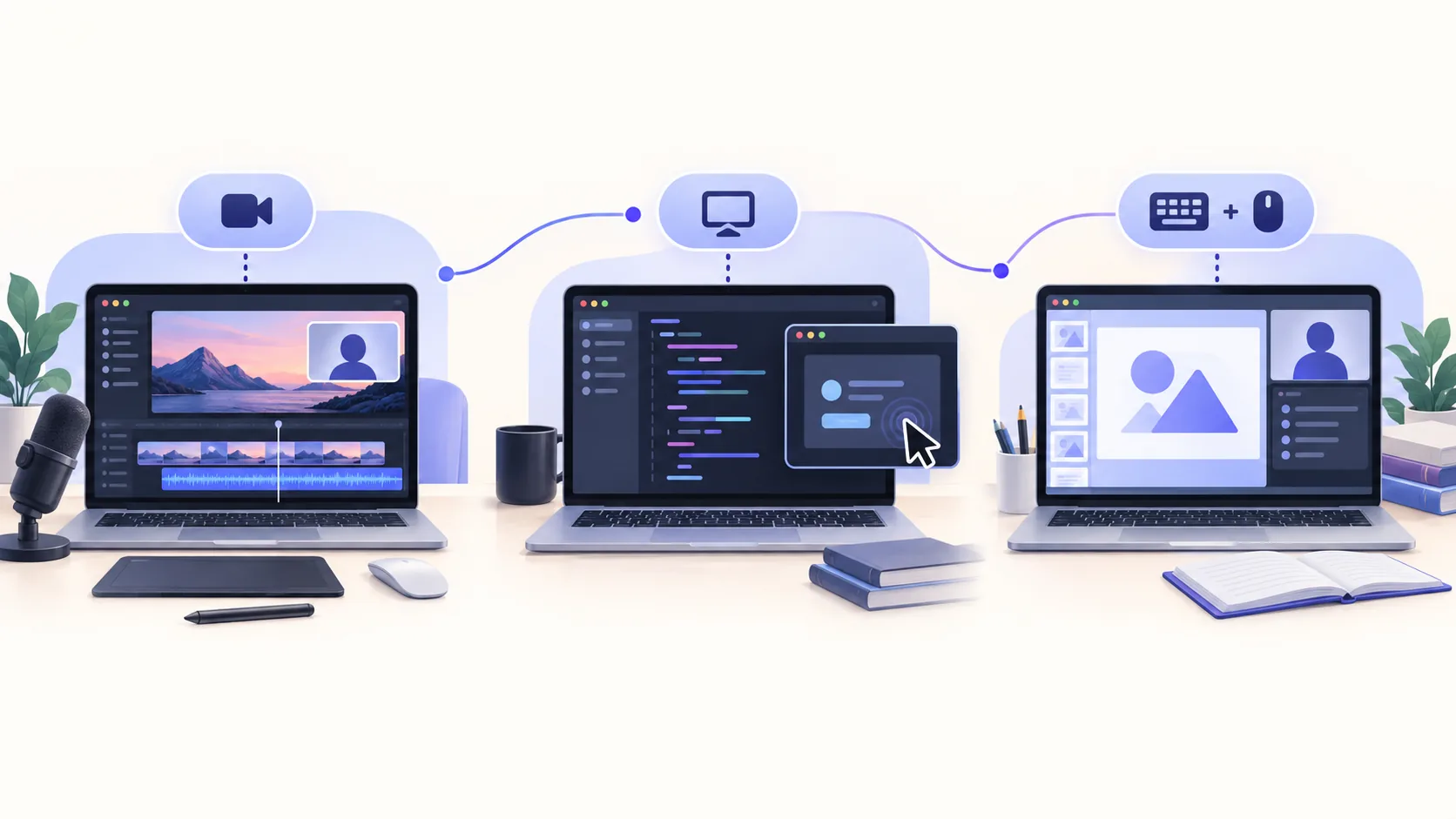
Developers often need readable text, visible shortcuts, a controlled pointer, and enough context to reproduce a behavior. ScreenTale records screen, camera, microphone, system audio, cursor events, and optional keystrokes into a project you can reopen. This is useful when a two-minute bug report needs one cut and one corrected zoom—not a full editing suite.
For a disposable clip, QuickTime Player may be faster because it is already installed. For a live technical workshop with multiple scenes and inputs, OBS is more appropriate. The right threshold is whether the recording will be watched once or published as durable documentation.
Best screen recorder for teachers and online courses
Teachers need legibility, balanced narration, and projects that can be revised when a lesson changes. ScreenTale is strong for focused lessons because microphone and system audio remain adjustable, camera can be restyled after capture, and keystroke overlays can reinforce software steps. ScreenFlow fits larger productions that combine many imported assets on a conventional timeline.
Whichever app you use, record lessons in sections rather than one hour-long take. Short segments make mistakes cheaper, improve navigation, and let you replace only the outdated explanation next term.
Best choice for team updates and fast sharing
Loom wins when the desired output is a link with cloud playback, comments, and team access. It removes export and upload steps. That is valuable for async status updates and customer messages, but it means the recording enters a hosted workflow and paid plans are recurring.
If the same video must become an owned MP4, a public tutorial, or private documentation, a local recorder may be the cleaner starting point. You can always choose where to upload the exported file later.
Best Mac recorder for streaming and advanced scenes
OBS Studio is built for scenes, live source switching, audio routing, encoders, and streaming services. It is free, open source, and cross-platform. For a webinar with multiple cameras, overlays, and a live destination, use the tool designed for that complexity.
OBS is not a post-capture screen-story editor. You can create a beautiful recording, but automatic cursor-aware zoom and simplified visual cleanup are not its central workflow. Pair it with an editor when production requires both live control and detailed post work.
Three questions that settle the choice
First, will the result be a local file, a cloud link, or a live stream? Second, do you want to correct attention after recording or compose everything before it? Third, is the app used weekly enough to justify recurring cost? Those answers narrow the list quickly.
For creators, developers, and teachers on Apple silicon, ScreenTale’s complete trial makes the remaining decision measurable. Record one ordinary task, edit it to your standard, and keep the tool only if it gives time back.
Official references
Choose with evidence. Download ScreenTale and test your actual use case during the 30-day Launch Pass.


0 comments
Comments are currently closed for this article.